
使用 Microsoft Word 文档作为邮件正文并发送电子邮件
Contents
[
Hide
]
本文展示了如何使用 Microsoft Word 文档作为电子邮件正文并将其发送给收件人。示例文档是来自 Northwind 数据库示例的销售发票,已导出为 Microsoft Word 格式。Aspose.Email for Java 处理网络协议和 Microsoft Outlook 功能,无法处理 Microsoft Word 文档。为了解决此问题,本文中的示例使用 Aspose.Words for Java 用于加载 Word 文档并将其转换为 MHTML 格式。Aspose.Email for Java 在邮件正文中使用该 MHTML 文档。
使用 Microsoft Word 文档作为邮件正文
下面的编程示例说明了如何使用 Aspose.Words for Java 和 Aspose.Email for Java 将 Word 文档作为电子邮件正文发送:
- 使用 Aspose.Word for Java 的 Document 类。
- 以 MHTML 格式保存。
- 使用 Aspose.Email for Java 的 MailMessage 用于设置邮件正文的类。
- 使用不同的方式设置其他邮件属性 MailMessage 类属性和方法。
- 使用 Aspose.Email for Java 的 SMTPClient 类。
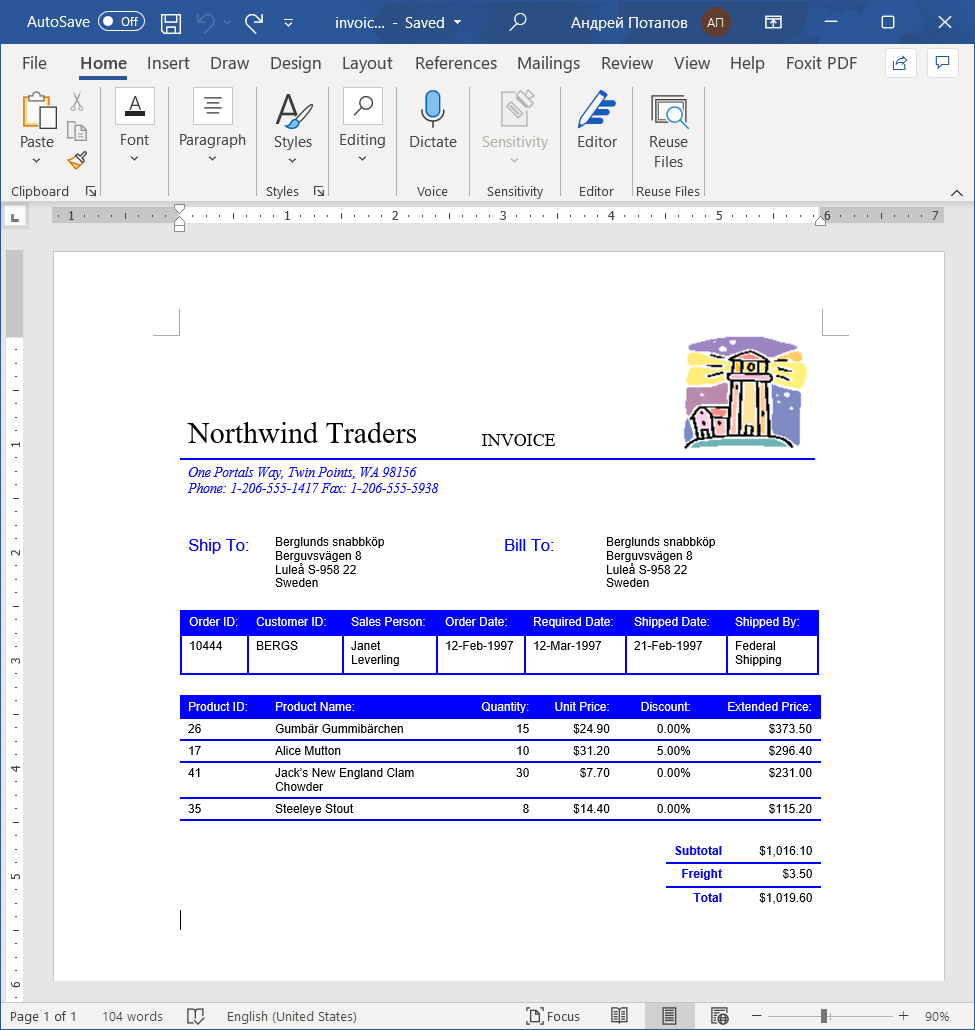
以下是源文档,即从 Microsoft Northwind 示例导出为 Microsoft Word 的销售发票。
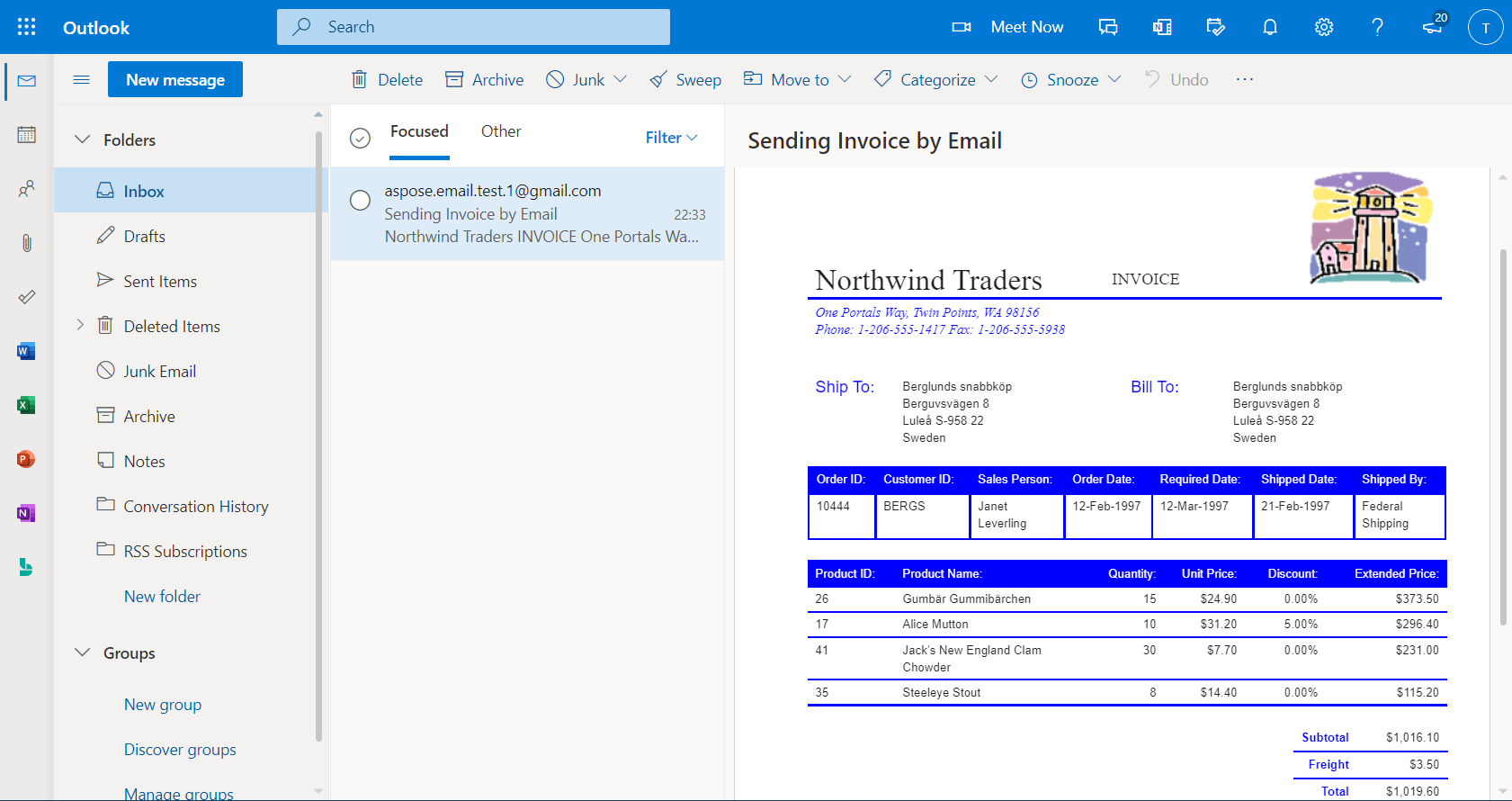
当邮件在 Microsoft Outlook 中发送并接收后,显示如下所示。
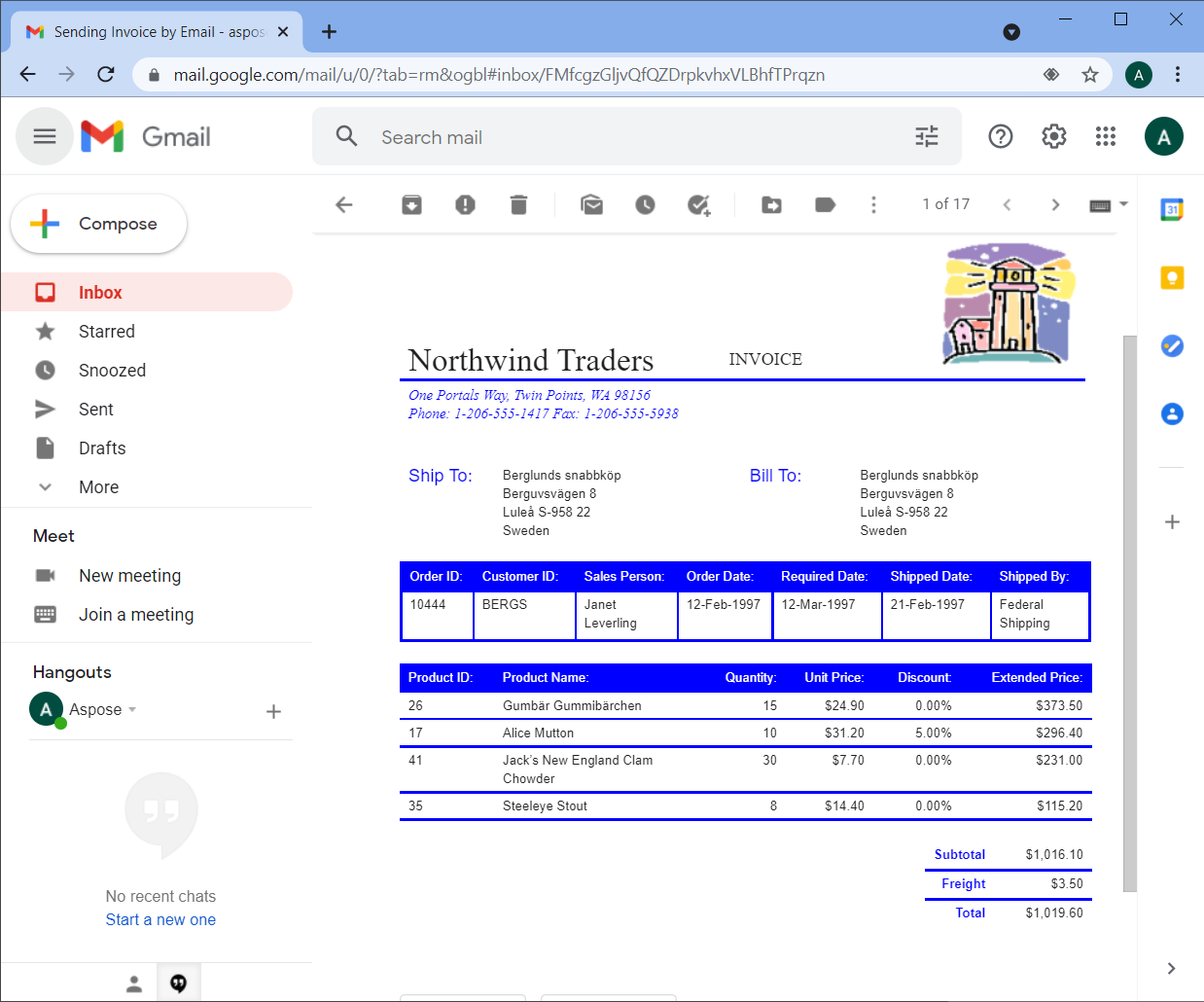
在 Outlook 或 Gmail、Hotmail 等网页邮件客户端中查看时,HTML 格式和图像会保持与原始源文档相同。下面是使用 Chrome 浏览器打开 Gmail 时的邮件截图。
以下代码片段展示了如何使用 Microsoft Word 文档作为邮件正文并通过使用 SmtpClient 类实例。
// The path to the File directory
String dataDir = "data/";

// Load a Word document from disk and save it to stream as MHTML
Document wordDocument = new Document(dataDir + "Test.doc");
ByteArrayOutputStream mhtmlStream = new ByteArrayOutputStream();
wordDocument.save(mhtmlStream, SaveFormat.MHTML);

// Load the MHTML in a MailMessage object
MailMessage message = MailMessage.load(new ByteArrayInputStream(mhtmlStream.toByteArray()), new MhtmlLoadOptions());
message.setSubject("Sending Invoice in Email");
message.setFrom(new MailAddress("sender@gmail.com"));
message.setTo(MailAddressCollection.to_MailAddressCollection("recipient@gmail.com"));

// Save the message in MSG format to disk
message.save(dataDir + "WordDocAsEmailBody_out.msg", SaveOptions.getDefaultMsgUnicode());

    // Send the email message
try (SmtpClient client = new SmtpClient("smtp.gmail.com", 587, "sender@gmail.com", "pwd")) {
    client.setSecurityOptions(SecurityOptions.SSLExplicit);
    client.send(message);
}