# Import Presentations from PDF or HTML in Java
> Effortlessly import PDF and HTML documents into PowerPoint and OpenDocument presentations in Java with Aspose.Slides for seamless, high-performance slide processing.
Source: https://docs.aspose.com/slides/java/import-presentation/
Updated: 2026-08-13
## **Introduction**
Using Aspose.Slides, you can import presentations from files in other formats. Aspose.Slides provides the [SlideCollection](https://reference.aspose.com/slides/java/com.aspose.slides/slidecollection/) class, which allows you to import presentations from PDF and HTML documents.
## **Import PowerPoint from PDF**
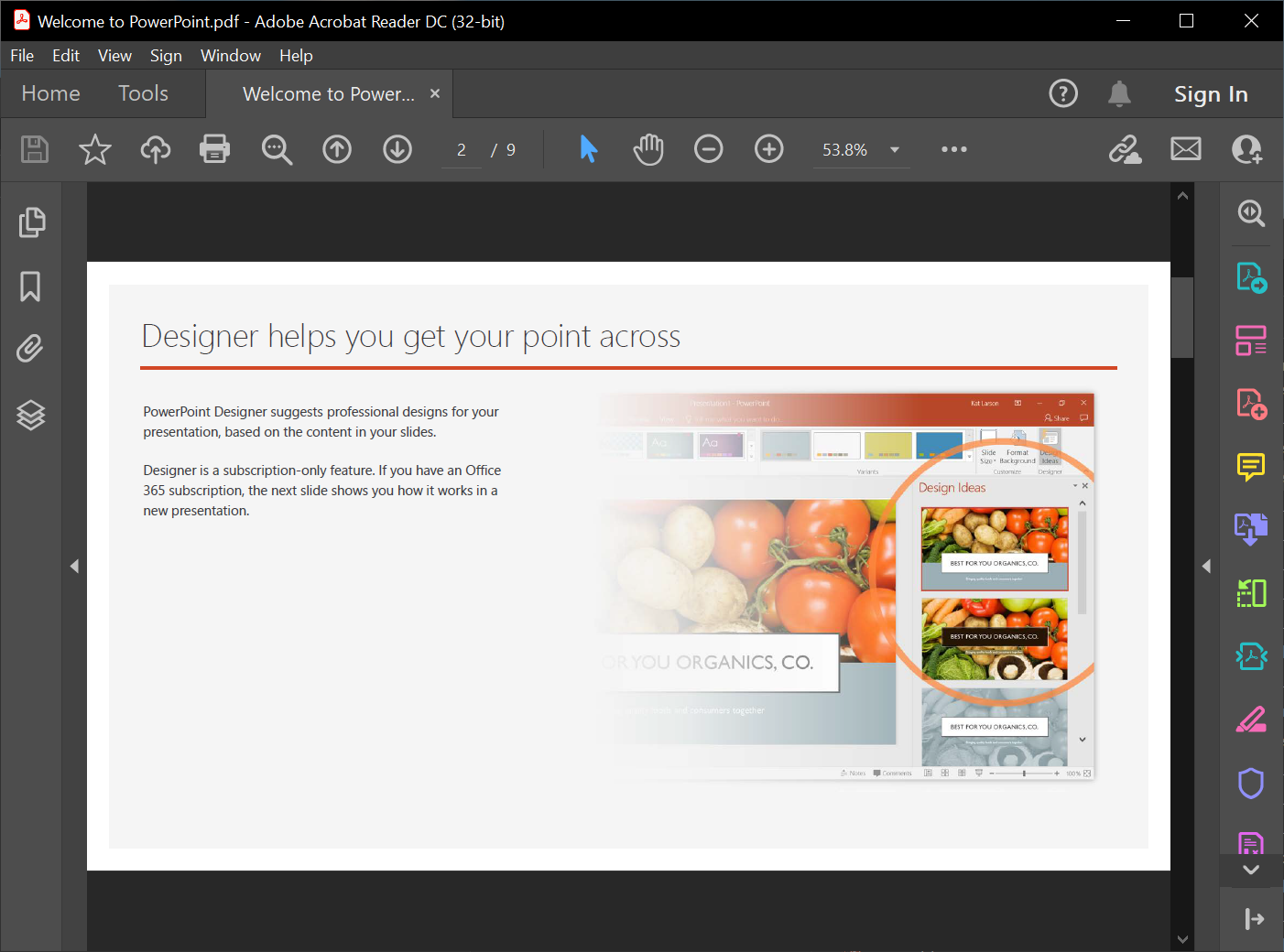
In this case, you get to convert a PDF to a PowerPoint presentation.
 1. Create an instance of the [Presentation](https://reference.aspose.com/slides/java/com.aspose.slides/) class.
2. Call the [addFromPdf()](https://reference.aspose.com/slides/java/com.aspose.slides/SlideCollection#addFromPdf-java.lang.String-) method and pass the PDF file.
3. Use the [save()](https://reference.aspose.com/slides/java/com.aspose.slides/Presentation#save-java.lang.String-int-) method to save the file in the PowerPoint format.
This Java code demonstrates the PDF to PowerPoint operation:
```java
import com.aspose.slides.*;
Presentation pres = new Presentation();
try {
pres.getSlides().addFromPdf("InputPDF.pdf");
pres.save("OutputPresentation.pptx", SaveFormat.Pptx);
} finally {
if (pres != null) pres.dispose();
}
```
{{% alert title="Tip" color="info" %}}
You may want to check out **Aspose free** [PDF to PowerPoint](https://products.aspose.app/slides/import/pdf-to-powerpoint) web app because it is a live implementation of the process described here.
{{% /alert %}}
## **Import PowerPoint from HTML**
In this case, you get to convert a HTML document to a PowerPoint presentation.
1. Create an instance of the [Presentation](https://reference.aspose.com/slides/java/com.aspose.slides/) class.
2. Call the [addFromHtml()](https://reference.aspose.com/slides/java/com.aspose.slides/slidecollection/#addFromHtml-java.io.InputStream-) method and pass a stream with the HTML document.
3. Use the [save()](https://reference.aspose.com/slides/java/com.aspose.slides/Presentation#save-java.lang.String-int-) method to save the file in the PowerPoint format.
This Java code demonstrates the HTML to PowerPoint operation:
```java
import com.aspose.slides.*;
import java.io.FileInputStream;
import java.io.IOException;
Presentation presentation = new Presentation();
try {
FileInputStream htmlStream = new FileInputStream("page.html");
try {
presentation.getSlides().addFromHtml(htmlStream);
} finally {
if (htmlStream != null) htmlStream.close();
}
presentation.save("MyPresentation.pptx", SaveFormat.Pptx);
} catch(IOException e) {
} finally {
if (presentation != null) presentation.dispose();
}
```
## **FAQ**
### Are tables preserved when importing a PDF, and can their detection be improved?
Tables can be detected during import; [PdfImportOptions](https://reference.aspose.com/slides/java/com.aspose.slides/pdfimportoptions/) includes a [setDetectTables](https://reference.aspose.com/slides/java/com.aspose.slides/pdfimportoptions/#setDetectTables-boolean-) method that enables table recognition. The effectiveness depends on the PDF’s structure.
{{% alert title="Note" color="warning" %}}
You may also use Aspose.Slides to convert HTML to other popular file formats:
* [HTML to image](https://products.aspose.com/slides/java/conversion/html-to-image/)
* [HTML to JPG](https://products.aspose.com/slides/java/conversion/html-to-jpg/)
* [HTML to XML](https://products.aspose.com/slides/java/conversion/html-to-xml/)
* [HTML to TIFF](https://products.aspose.com/slides/java/conversion/html-to-tiff/)
{{% /alert %}}
1. Create an instance of the [Presentation](https://reference.aspose.com/slides/java/com.aspose.slides/) class.
2. Call the [addFromPdf()](https://reference.aspose.com/slides/java/com.aspose.slides/SlideCollection#addFromPdf-java.lang.String-) method and pass the PDF file.
3. Use the [save()](https://reference.aspose.com/slides/java/com.aspose.slides/Presentation#save-java.lang.String-int-) method to save the file in the PowerPoint format.
This Java code demonstrates the PDF to PowerPoint operation:
```java
import com.aspose.slides.*;
Presentation pres = new Presentation();
try {
pres.getSlides().addFromPdf("InputPDF.pdf");
pres.save("OutputPresentation.pptx", SaveFormat.Pptx);
} finally {
if (pres != null) pres.dispose();
}
```
{{% alert title="Tip" color="info" %}}
You may want to check out **Aspose free** [PDF to PowerPoint](https://products.aspose.app/slides/import/pdf-to-powerpoint) web app because it is a live implementation of the process described here.
{{% /alert %}}
## **Import PowerPoint from HTML**
In this case, you get to convert a HTML document to a PowerPoint presentation.
1. Create an instance of the [Presentation](https://reference.aspose.com/slides/java/com.aspose.slides/) class.
2. Call the [addFromHtml()](https://reference.aspose.com/slides/java/com.aspose.slides/slidecollection/#addFromHtml-java.io.InputStream-) method and pass a stream with the HTML document.
3. Use the [save()](https://reference.aspose.com/slides/java/com.aspose.slides/Presentation#save-java.lang.String-int-) method to save the file in the PowerPoint format.
This Java code demonstrates the HTML to PowerPoint operation:
```java
import com.aspose.slides.*;
import java.io.FileInputStream;
import java.io.IOException;
Presentation presentation = new Presentation();
try {
FileInputStream htmlStream = new FileInputStream("page.html");
try {
presentation.getSlides().addFromHtml(htmlStream);
} finally {
if (htmlStream != null) htmlStream.close();
}
presentation.save("MyPresentation.pptx", SaveFormat.Pptx);
} catch(IOException e) {
} finally {
if (presentation != null) presentation.dispose();
}
```
## **FAQ**
### Are tables preserved when importing a PDF, and can their detection be improved?
Tables can be detected during import; [PdfImportOptions](https://reference.aspose.com/slides/java/com.aspose.slides/pdfimportoptions/) includes a [setDetectTables](https://reference.aspose.com/slides/java/com.aspose.slides/pdfimportoptions/#setDetectTables-boolean-) method that enables table recognition. The effectiveness depends on the PDF’s structure.
{{% alert title="Note" color="warning" %}}
You may also use Aspose.Slides to convert HTML to other popular file formats:
* [HTML to image](https://products.aspose.com/slides/java/conversion/html-to-image/)
* [HTML to JPG](https://products.aspose.com/slides/java/conversion/html-to-jpg/)
* [HTML to XML](https://products.aspose.com/slides/java/conversion/html-to-xml/)
* [HTML to TIFF](https://products.aspose.com/slides/java/conversion/html-to-tiff/)
{{% /alert %}}