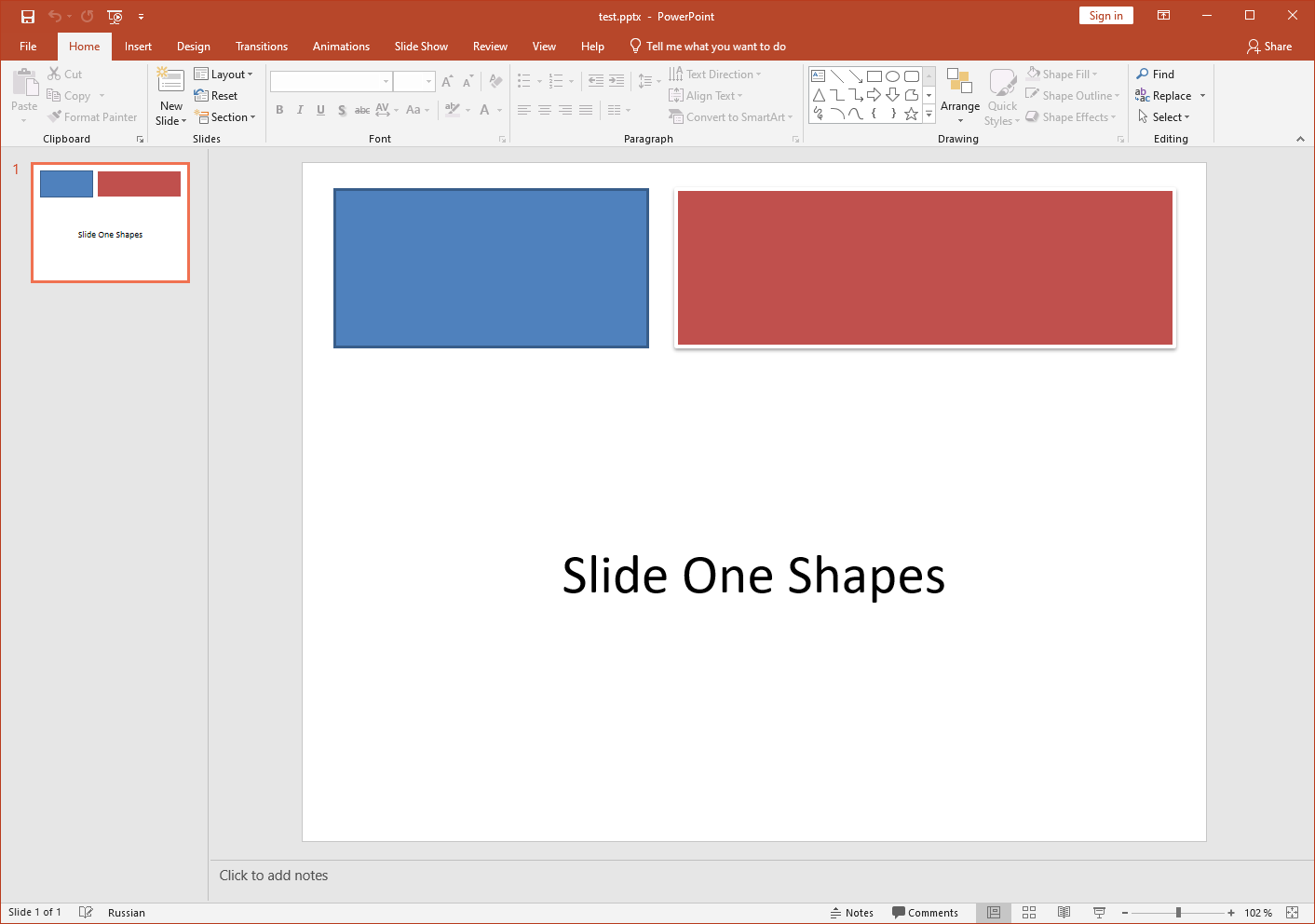
**Input PPT(X):
****
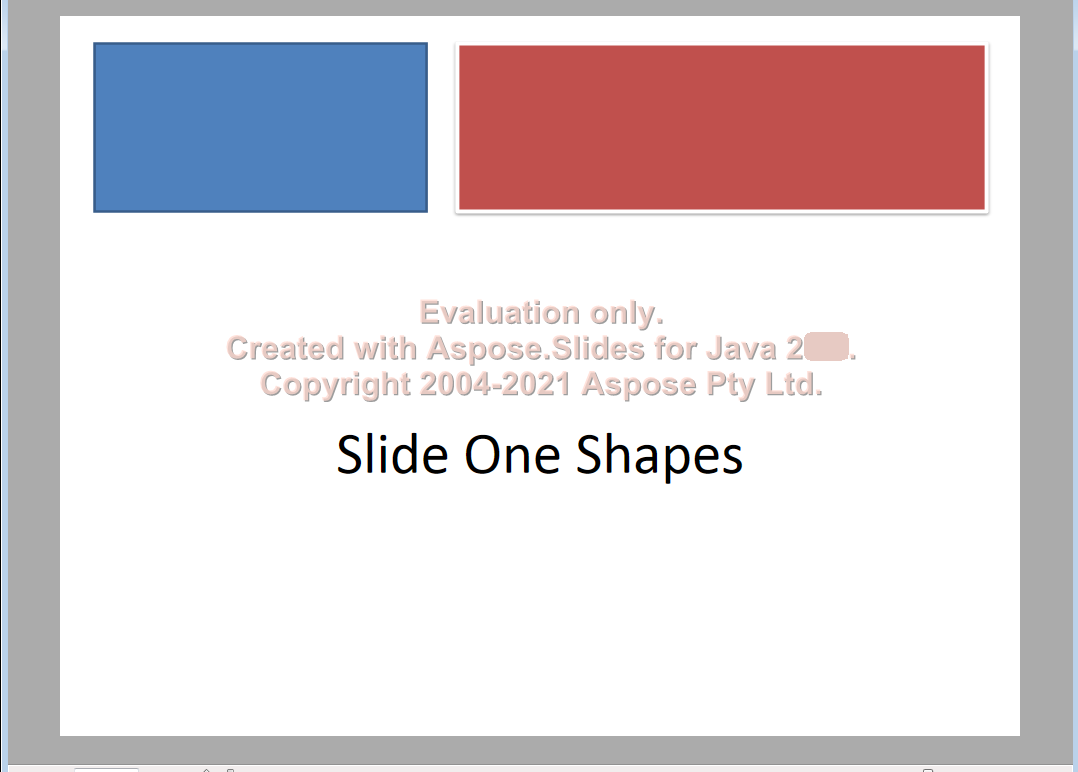
|**Output XPS:
****
| | :- | :- | Microsoft eventually implemented support for printing operations in PDF through the Print to PDF feature in Windows 10. Previously, users were expected to print documents through the XPS format. ## **XPS Conversion with Aspose.Slides** In [**Aspose.Slides**](https://products.aspose.com/slides/net/) for .NET, you can use the [**Save**](https://reference.aspose.com/slides/net/aspose.slides/presentation/methods/save/index) method exposed by the [Presentation](https://reference.aspose.com/slides/net/aspose.slides/presentation) class to convert the entire presentation into an XPS document. When converting a presentation to XPS, you have to save the presentation using either of these settings: - Default settings (without [**XPSOptions**](https://reference.aspose.com/slides/net/aspose.slides.export/xpsoptions)) - Custom settings (with [**XPSOptions**](https://reference.aspose.com/slides/net/aspose.slides.export/xpsoptions)) ### **Convert Presentations to XPS Using Default Settings** This sample code in C# shows you how to convert a presentation to an XPS document using standard settings: ```c# using Aspose.Slides; using Aspose.Slides.Export; // Instantiate a Presentation object that represents a presentation file using (Presentation pres = new Presentation("Convert_XPS.pptx")) { // Saving the presentation to XPS document pres.Save("XPS_Output_Without_XPSOption_out.xps", SaveFormat.Xps); } ``` ### **Convert Presentations to XPS Using Custom Settings** This sample code shows you how to convert a presentation to an XPS document using custom settings in C#: ```c# using Aspose.Slides; using Aspose.Slides.Export; // Instantiate a Presentation object that represents a presentation file using (Presentation pres = new Presentation("Convert_XPS_Options.pptx")) { // Instantiate the TiffOptions class XpsOptions options = new XpsOptions(); // Save MetaFiles as PNG options.SaveMetafilesAsPng = true; // Save the presentation to XPS document pres.Save("XPS_With_Options_out.xps", SaveFormat.Xps, options); } ``` ## **FAQ** ### Can I save to XPS into a stream instead of a file? Yes—Aspose.Slides lets you export directly to a stream, which is ideal for web APIs, server-side pipelines, or any scenario where you want to send the XPS without touching the file system. ### Are hidden slides carried over to XPS, and can I exclude them? By default, only regular (visible) slides are rendered. You can [include or exclude hidden slides](https://reference.aspose.com/slides/net/aspose.slides.export/xpsoptions/showhiddenslides/) through [export settings](https://reference.aspose.com/slides/net/aspose.slides.export/xpsoptions/) before saving to XPS, ensuring the output contains exactly the pages you intend.