# Nhập bản trình chiếu từ PDF hoặc HTML trong C++
> Dễ dàng nhập các tài liệu PDF và HTML vào các bản trình chiếu PowerPoint và OpenDocument trong C++ với Aspose.Slides để xử lý slide liền mạch, hiệu suất cao.
Source: https://docs.aspose.com/slides/vi/cpp/import-presentation/
Updated: 2026-06-14
## **Giới thiệu**
Sử dụng [**Aspose.Slides for C++**](https://products.aspose.com/slides/vi/cpp/), bạn có thể nhập các bản trình chiếu từ các tệp ở định dạng khác. Aspose.Slides cung cấp lớp [SlideCollection](https://reference.aspose.com/slides/vi/cpp/class/aspose.slides.slide_collection) để cho phép bạn nhập các bản trình chiếu từ PDF, tài liệu HTML, v.v.
## **Nhập PowerPoint từ PDF**
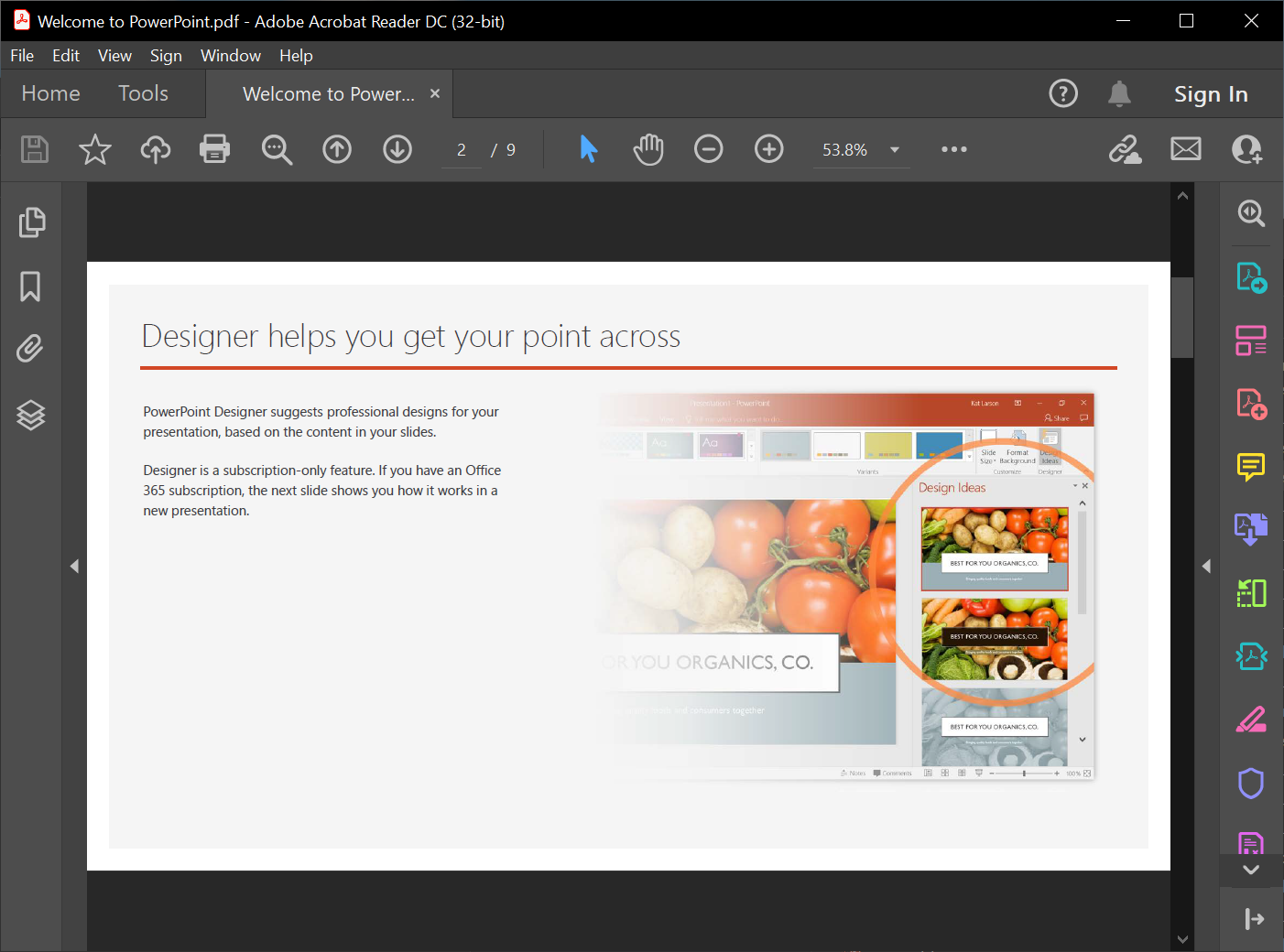
Trong trường hợp này, bạn sẽ chuyển đổi một tệp PDF thành bản trình chiếu PowerPoint.
 1. Khởi tạo một đối tượng của lớp Presentation.
2. Gọi phương thức [AddFromPdf()](https://reference.aspose.com/slides/vi/cpp/class/aspose.slides.slide_collection#a966c00d26b741a6c56e424d2f0d689a5) và truyền tệp PDF.
3. Sử dụng phương thức [Save()](https://reference.aspose.com/slides/vi/cpp/class/aspose.slides.presentation#afcd59ec697bf05c10f78c3869de2ec9e) để lưu tệp ở định dạng PowerPoint.
Đoạn mã C++ này minh họa phép chuyển đổi PDF sang PowerPoint:
```cpp
auto pres = System::MakeObject();
pres->get_Slides()->AddFromPdf(u"InputPDF.pdf");
pres->Save(u"OutputPresentation.pptx", SaveFormat::Pptx);
```
{{% alert title="Tip" color="primary" %}}
Bạn có thể muốn xem ứng dụng web **Aspose free** [PDF to PowerPoint](https://products.aspose.app/slides/vi/import/pdf-to-powerpoint) vì nó là một triển khai thực tế của quy trình được mô tả ở đây.
{{% /alert %}}
## **Nhập PowerPoint từ HTML**
Trong trường hợp này, bạn sẽ chuyển đổi một tài liệu HTML thành bản trình chiếu PowerPoint.
1. Tạo một thể hiện của lớp [Presentation](https://reference.aspose.com/slides/vi/cpp/class/aspose.slides.presentation/) .
2. Gọi phương thức [AddFromHtml()](https://reference.aspose.com/slides/vi/cpp/class/aspose.slides.slide_collection#ad4337f6be235c230d5d422a6799ef965) và truyền tệp HTML.
3. Sử dụng phương thức [Save()](https://reference.aspose.com/slides/vi/cpp/class/aspose.slides.presentation#afcd59ec697bf05c10f78c3869de2ec9e) để lưu tệp ở định dạng PowerPoint.
Đoạn mã C++ này minh họa phép chuyển đổi HTML sang PowerPoint:
```c++
auto presentation = System::MakeObject();
{
auto htmlStream = System::IO::File::OpenRead(u"page.html");
presentation->get_Slides()->AddFromHtml(htmlStream);
}
presentation->Save(u"MyPresentation.pptx", SaveFormat::Pptx);
```
{{% alert title="Note" color="warning" %}}
Bạn cũng có thể sử dụng Aspose.Slides để chuyển đổi HTML sang các định dạng tệp phổ biến khác:
* [HTML sang hình ảnh](https://products.aspose.com/slides/vi/cpp/conversion/html-to-image/)
* [HTML sang JPG](https://products.aspose.com/slides/vi/cpp/conversion/html-to-jpg/)
* [HTML sang XML](https://products.aspose.com/slides/vi/cpp/conversion/html-to-xml/)
* [HTML sang TIFF](https://products.aspose.com/slides/vi/cpp/conversion/html-to-tiff/)
{{% /alert %}}
## **Câu hỏi thường gặp**
**Khi nhập PDF, bảng có được giữ lại không và khả năng phát hiện của chúng có thể được cải thiện không?**
Các bảng có thể được phát hiện trong quá trình nhập; [PdfImportOptions](https://reference.aspose.com/slides/vi/cpp/aspose.slides.import/pdfimportoptions/) bao gồm phương thức [set_DetectTables](https://reference.aspose.com/slides/vi/cpp/aspose.slides.import/pdfimportoptions/set_detecttables/) cho phép nhận dạng bảng. Hiệu quả phụ thuộc vào cấu trúc của PDF.
1. Khởi tạo một đối tượng của lớp Presentation.
2. Gọi phương thức [AddFromPdf()](https://reference.aspose.com/slides/vi/cpp/class/aspose.slides.slide_collection#a966c00d26b741a6c56e424d2f0d689a5) và truyền tệp PDF.
3. Sử dụng phương thức [Save()](https://reference.aspose.com/slides/vi/cpp/class/aspose.slides.presentation#afcd59ec697bf05c10f78c3869de2ec9e) để lưu tệp ở định dạng PowerPoint.
Đoạn mã C++ này minh họa phép chuyển đổi PDF sang PowerPoint:
```cpp
auto pres = System::MakeObject();
pres->get_Slides()->AddFromPdf(u"InputPDF.pdf");
pres->Save(u"OutputPresentation.pptx", SaveFormat::Pptx);
```
{{% alert title="Tip" color="primary" %}}
Bạn có thể muốn xem ứng dụng web **Aspose free** [PDF to PowerPoint](https://products.aspose.app/slides/vi/import/pdf-to-powerpoint) vì nó là một triển khai thực tế của quy trình được mô tả ở đây.
{{% /alert %}}
## **Nhập PowerPoint từ HTML**
Trong trường hợp này, bạn sẽ chuyển đổi một tài liệu HTML thành bản trình chiếu PowerPoint.
1. Tạo một thể hiện của lớp [Presentation](https://reference.aspose.com/slides/vi/cpp/class/aspose.slides.presentation/) .
2. Gọi phương thức [AddFromHtml()](https://reference.aspose.com/slides/vi/cpp/class/aspose.slides.slide_collection#ad4337f6be235c230d5d422a6799ef965) và truyền tệp HTML.
3. Sử dụng phương thức [Save()](https://reference.aspose.com/slides/vi/cpp/class/aspose.slides.presentation#afcd59ec697bf05c10f78c3869de2ec9e) để lưu tệp ở định dạng PowerPoint.
Đoạn mã C++ này minh họa phép chuyển đổi HTML sang PowerPoint:
```c++
auto presentation = System::MakeObject();
{
auto htmlStream = System::IO::File::OpenRead(u"page.html");
presentation->get_Slides()->AddFromHtml(htmlStream);
}
presentation->Save(u"MyPresentation.pptx", SaveFormat::Pptx);
```
{{% alert title="Note" color="warning" %}}
Bạn cũng có thể sử dụng Aspose.Slides để chuyển đổi HTML sang các định dạng tệp phổ biến khác:
* [HTML sang hình ảnh](https://products.aspose.com/slides/vi/cpp/conversion/html-to-image/)
* [HTML sang JPG](https://products.aspose.com/slides/vi/cpp/conversion/html-to-jpg/)
* [HTML sang XML](https://products.aspose.com/slides/vi/cpp/conversion/html-to-xml/)
* [HTML sang TIFF](https://products.aspose.com/slides/vi/cpp/conversion/html-to-tiff/)
{{% /alert %}}
## **Câu hỏi thường gặp**
**Khi nhập PDF, bảng có được giữ lại không và khả năng phát hiện của chúng có thể được cải thiện không?**
Các bảng có thể được phát hiện trong quá trình nhập; [PdfImportOptions](https://reference.aspose.com/slides/vi/cpp/aspose.slides.import/pdfimportoptions/) bao gồm phương thức [set_DetectTables](https://reference.aspose.com/slides/vi/cpp/aspose.slides.import/pdfimportoptions/set_detecttables/) cho phép nhận dạng bảng. Hiệu quả phụ thuộc vào cấu trúc của PDF.