# 在 C++ 中從 PDF 或 HTML 匯入簡報
> 輕鬆在 C++ 中使用 Aspose.Slides 將 PDF 和 HTML 文件匯入 PowerPoint 與 OpenDocument 簡報,實現無縫且高效的投影片處理。
Source: https://docs.aspose.com/slides/zh-hant/cpp/import-presentation/
## **簡介**
使用 [**Aspose.Slides for C++**](https://products.aspose.com/slides/zh-hant/cpp/),您可以從其他格式的檔案匯入簡報。Aspose.Slides 提供 [SlideCollection](https://reference.aspose.com/slides/zh-hant/cpp/class/aspose.slides.slide_collection) 類別,允許您從 PDF、HTML 文件等匯入簡報。
## **從 PDF 匯入 PowerPoint**
在此情況下,您可以將 PDF 轉換為 PowerPoint 簡報。
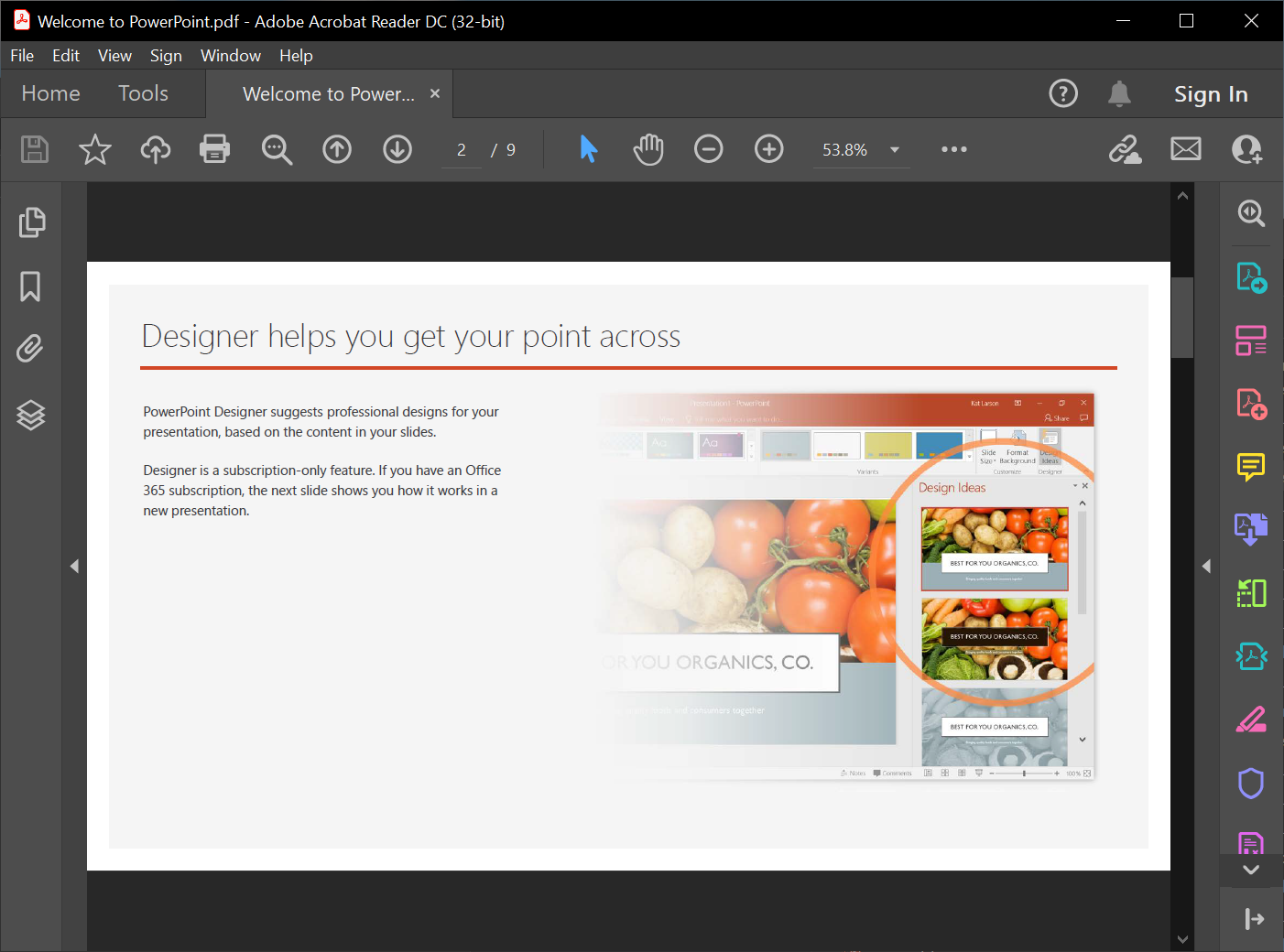 1. 建立 Presentation 類別的物件。
2. 呼叫 AddFromPdf() 方法並傳入 PDF 檔案。
3. 使用 Save() 方法將檔案儲存為 PowerPoint 格式。
以下 C++ 程式碼示範了 PDF 轉換為 PowerPoint 的操作:
```cpp
auto pres = System::MakeObject();
pres->get_Slides()->AddFromPdf(u"InputPDF.pdf");
pres->Save(u"OutputPresentation.pptx", SaveFormat::Pptx);
```
{{% alert title="提示" color="primary" %}}
您可能想要試用 **Aspose free** [PDF to PowerPoint](https://products.aspose.app/slides/zh-hant/import/pdf-to-powerpoint) 網路應用程式,因為它是此處所描述流程的即時實作。
{{% /alert %}}
## **從 HTML 匯入 PowerPoint**
在此情況下,您可以將 HTML 文件轉換為 PowerPoint 簡報。
1. 建立 Presentation 類別的執行個體。
2. 呼叫 AddFromHtml() 方法並傳入 HTML 檔案。
3. 使用 Save() 方法將檔案儲存為 PowerPoint 格式。
以下 C++ 程式碼示範了 HTML 轉換為 PowerPoint 的操作:
```c++
auto presentation = System::MakeObject();
{
auto htmlStream = System::IO::File::OpenRead(u"page.html");
presentation->get_Slides()->AddFromHtml(htmlStream);
}
presentation->Save(u"MyPresentation.pptx", SaveFormat::Pptx);
```
{{% alert title="注意" color="warning" %}}
您也可以使用 Aspose.Slides 將 HTML 轉換為其他常見檔案格式:
* [HTML to image](https://products.aspose.com/slides/zh-hant/cpp/conversion/html-to-image/)
* [HTML to JPG](https://products.aspose.com/slides/zh-hant/cpp/conversion/html-to-jpg/)
* [HTML to XML](https://products.aspose.com/slides/zh-hant/cpp/conversion/html-to-xml/)
* [HTML to TIFF](https://products.aspose.com/slides/zh-hant/cpp/conversion/html-to-tiff/)
{{% /alert %}}
## **常見問題**
**匯入 PDF 時表格是否會被保留,且其偵測能否改進?**
匯入過程中可以偵測表格;PdfImportOptions 包含 set_DetectTables 方法,可啟用表格辨識。其效能取決於 PDF 的結構。
1. 建立 Presentation 類別的物件。
2. 呼叫 AddFromPdf() 方法並傳入 PDF 檔案。
3. 使用 Save() 方法將檔案儲存為 PowerPoint 格式。
以下 C++ 程式碼示範了 PDF 轉換為 PowerPoint 的操作:
```cpp
auto pres = System::MakeObject();
pres->get_Slides()->AddFromPdf(u"InputPDF.pdf");
pres->Save(u"OutputPresentation.pptx", SaveFormat::Pptx);
```
{{% alert title="提示" color="primary" %}}
您可能想要試用 **Aspose free** [PDF to PowerPoint](https://products.aspose.app/slides/zh-hant/import/pdf-to-powerpoint) 網路應用程式,因為它是此處所描述流程的即時實作。
{{% /alert %}}
## **從 HTML 匯入 PowerPoint**
在此情況下,您可以將 HTML 文件轉換為 PowerPoint 簡報。
1. 建立 Presentation 類別的執行個體。
2. 呼叫 AddFromHtml() 方法並傳入 HTML 檔案。
3. 使用 Save() 方法將檔案儲存為 PowerPoint 格式。
以下 C++ 程式碼示範了 HTML 轉換為 PowerPoint 的操作:
```c++
auto presentation = System::MakeObject();
{
auto htmlStream = System::IO::File::OpenRead(u"page.html");
presentation->get_Slides()->AddFromHtml(htmlStream);
}
presentation->Save(u"MyPresentation.pptx", SaveFormat::Pptx);
```
{{% alert title="注意" color="warning" %}}
您也可以使用 Aspose.Slides 將 HTML 轉換為其他常見檔案格式:
* [HTML to image](https://products.aspose.com/slides/zh-hant/cpp/conversion/html-to-image/)
* [HTML to JPG](https://products.aspose.com/slides/zh-hant/cpp/conversion/html-to-jpg/)
* [HTML to XML](https://products.aspose.com/slides/zh-hant/cpp/conversion/html-to-xml/)
* [HTML to TIFF](https://products.aspose.com/slides/zh-hant/cpp/conversion/html-to-tiff/)
{{% /alert %}}
## **常見問題**
**匯入 PDF 時表格是否會被保留,且其偵測能否改進?**
匯入過程中可以偵測表格;PdfImportOptions 包含 set_DetectTables 方法,可啟用表格辨識。其效能取決於 PDF 的結構。