
ใช้เอกสาร Microsoft Word เป็นเนื้อหาข้อความและส่งอีเมล
บทความนี้แสดงวิธีการใช้เอกสาร Microsoft Word เป็นเนื้อหาอีเมลและส่งให้ผู้รับ ตัวอย่างเอกสารเป็นใบแจ้งยอดการขายจากตัวอย่างฐานข้อมูล Northwind ที่ส่งออกเป็นรูปแบบ Microsoft Word Aspose.Email สำหรับ Java ทำงานกับโปรโตคอลเครือข่ายและคุณสมบัติของ Microsoft Outlook และไม่สามารถจัดการกับเอกสาร Microsoft Word ได้ เพื่อแก้ไขปัญหานี้ ตัวอย่างในบทความนี้ใช้ Aspose.Words for Java เพื่อโหลดเอกสาร Word และแปลงเป็นรูปแบบ MHTML Aspose.Email สำหรับ Java ใช้เอกสาร MHTML ในเนื้อหาอีเมล.
ใช้เอกสาร Microsoft Word เป็นเนื้อหาอีเมล
ตัวอย่างโปรแกรมต่อไปนี้แสดงวิธีส่งเอกสาร Word เป็นเนื้อหาอีเมลโดยใช้ Aspose.Words สำหรับ Java และ Aspose.Email สำหรับ Java:
- โหลดเอกสาร Microsoft Word โดยใช้ Aspose.Word สำหรับ Java’s Document คลาส.
- บันทึกเป็นรูปแบบ MHTML.
- โหลดเอกสาร MHTML โดยใช้ Aspose.Email สำหรับ Java’s MailMessage คลาสสำหรับตั้งค่าเนื้อหาอีเมล.
- ตั้งค่าคุณสมบัติอื่นของข้อความโดยใช้ MailMessage คุณสมบัติและเมธอดของคลาส.
- ส่งอีเมลโดยใช้ Aspose.Email สำหรับ Java’s SMTPClient คลาส.
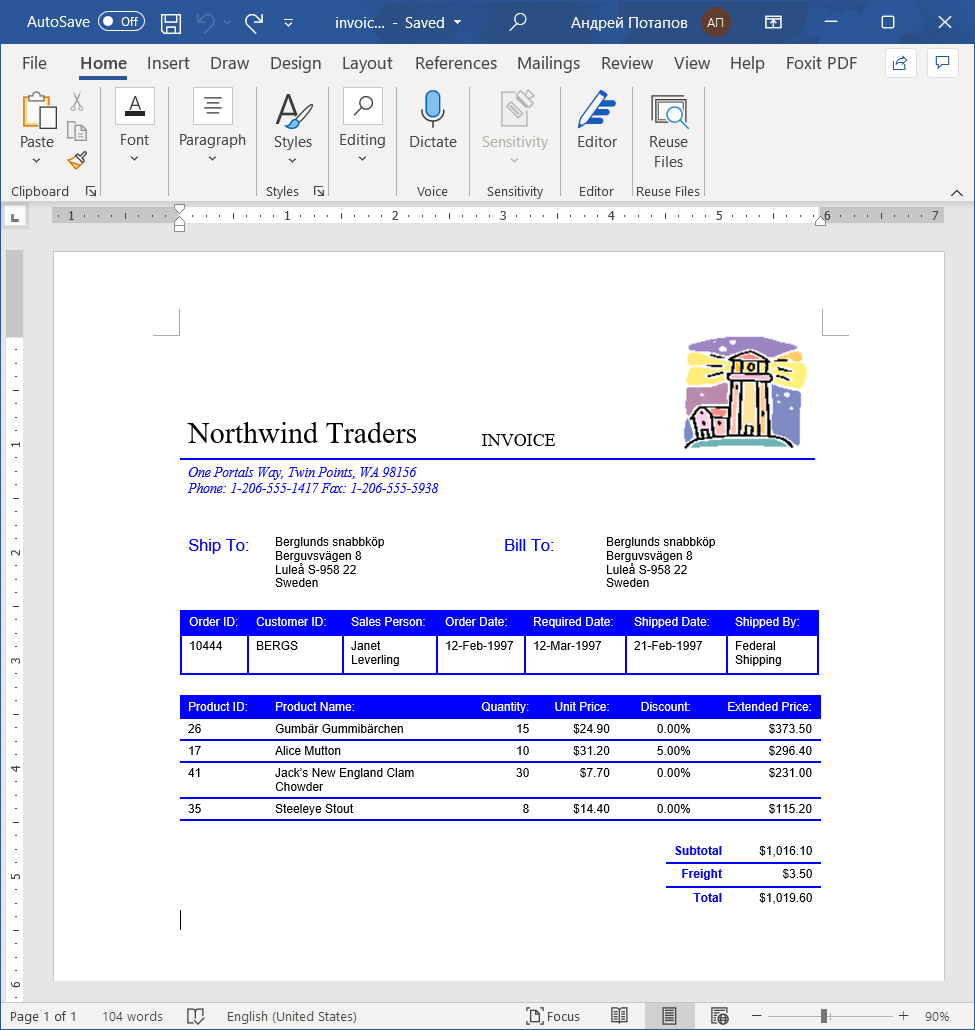
เอกสารต้นทาง, ใบแจ้งหนี้การขายที่ส่งออกเป็น Microsoft Word จากตัวอย่าง Microsoft Northwind สามารถดูได้ด้านล่าง.
เมื่อข้อความถูกส่งและรับใน Microsoft Outlook จะปรากฏเหมือนข้อความด้านล่าง.
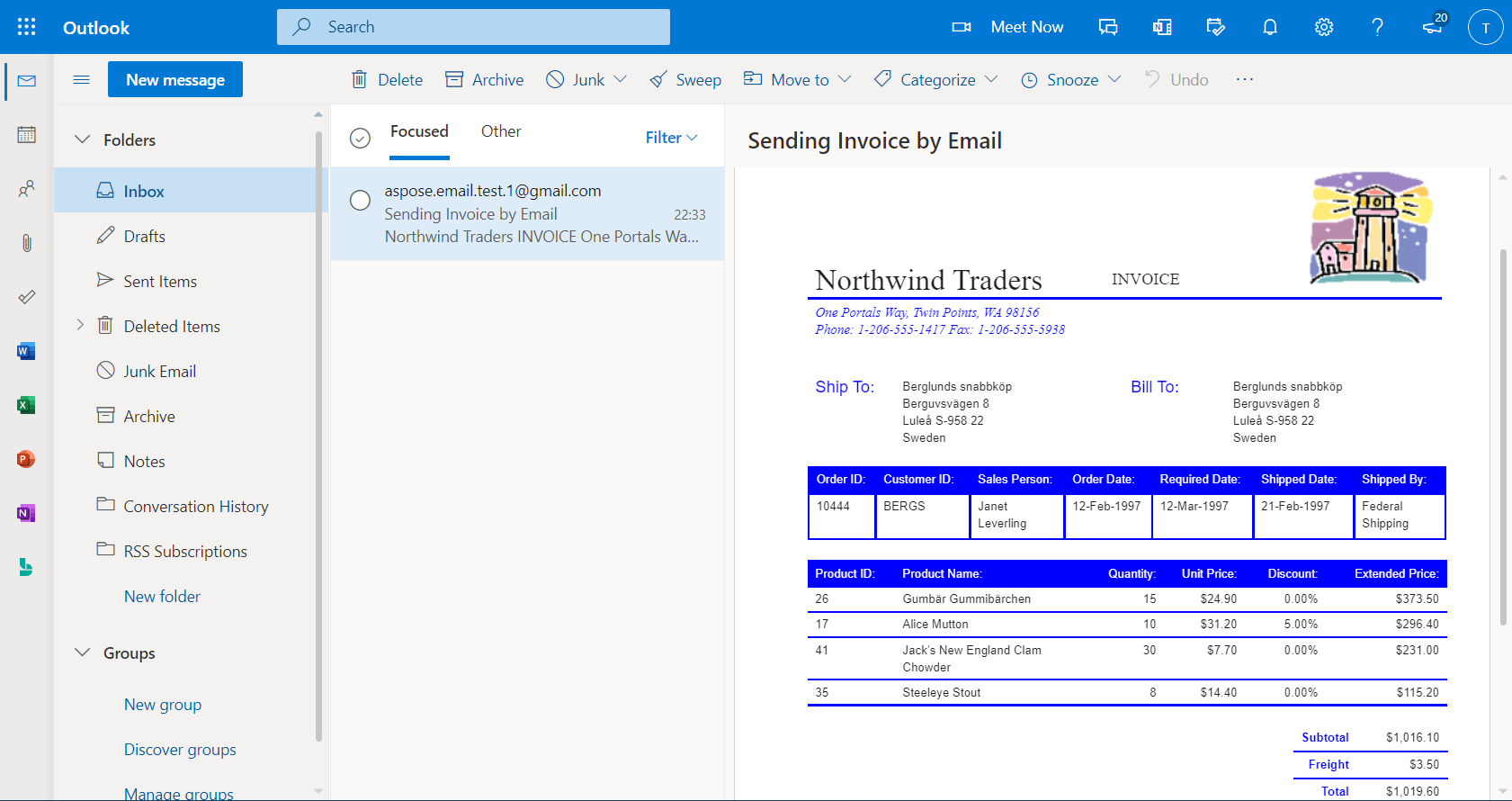
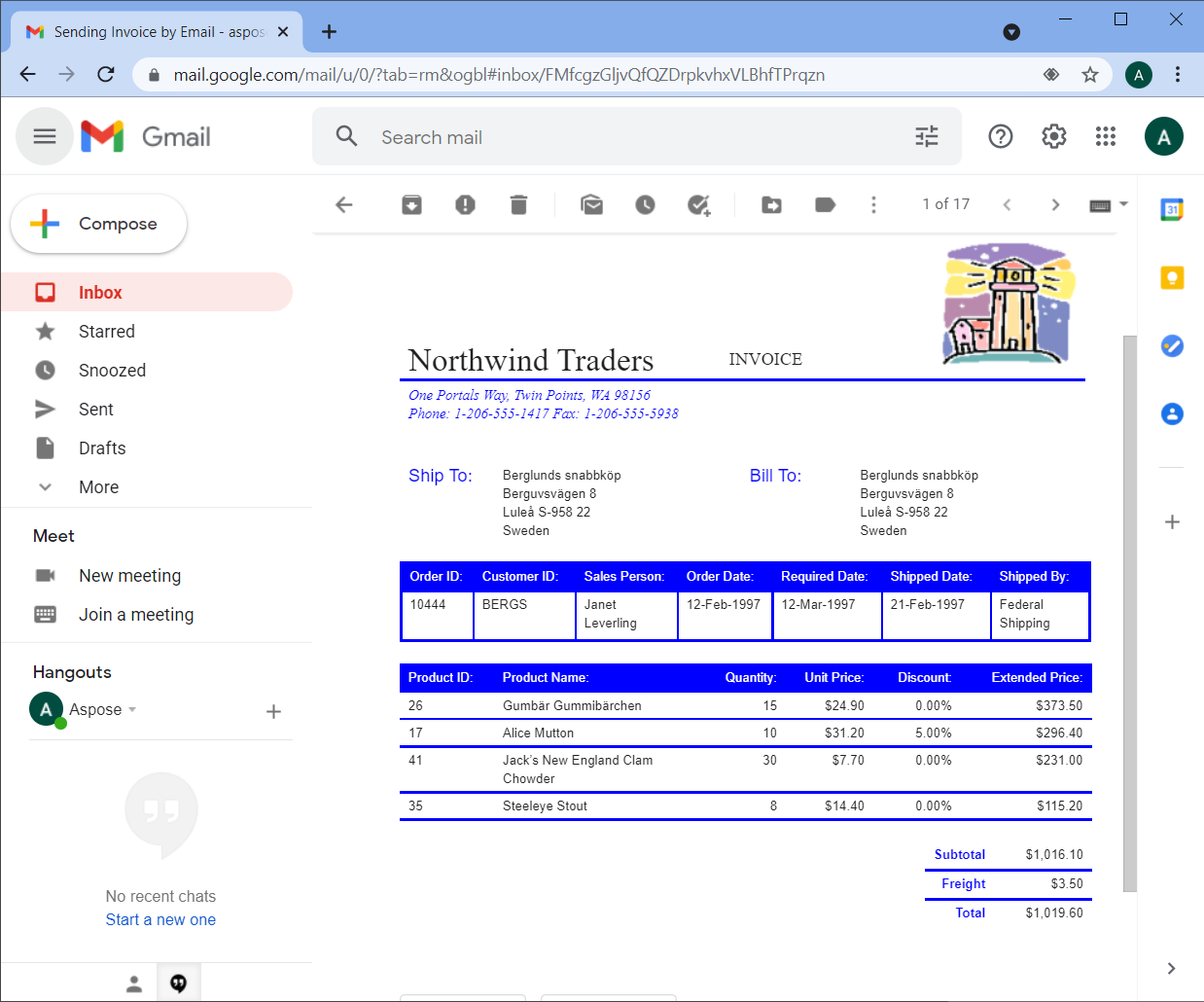
รูปแบบ HTML และภาพจะถูกคงไว้เช่นเดียวกับในเอกสารต้นฉบับเมื่อดูใน Outlook หรือไคลเอนต์อีเมลเว็บเช่น Gmail หรือ Hotmail ด้านล่างเป็นภาพหน้าจอของข้อความเมื่อเปิดด้วย Gmail บนเบราว์เซอร์ Chrome.
โค้ดส่วนต่อไปนี้จะแสดงวิธีใช้เอกสาร Microsoft Word เป็นเนื้อหาข้อความและส่งอีเมลโดยใช้ SmtpClient อินสแตนซ์ของคลาส.
// The path to the File directory
String dataDir = "data/";

// Load a Word document from disk and save it to stream as MHTML
Document wordDocument = new Document(dataDir + "Test.doc");
ByteArrayOutputStream mhtmlStream = new ByteArrayOutputStream();
wordDocument.save(mhtmlStream, SaveFormat.MHTML);

// Load the MHTML in a MailMessage object
MailMessage message = MailMessage.load(new ByteArrayInputStream(mhtmlStream.toByteArray()), new MhtmlLoadOptions());
message.setSubject("Sending Invoice in Email");
message.setFrom(new MailAddress("sender@gmail.com"));
message.setTo(MailAddressCollection.to_MailAddressCollection("recipient@gmail.com"));

// Save the message in MSG format to disk
message.save(dataDir + "WordDocAsEmailBody_out.msg", SaveOptions.getDefaultMsgUnicode());

    // Send the email message
try (SmtpClient client = new SmtpClient("smtp.gmail.com", 587, "sender@gmail.com", "pwd")) {
    client.setSecurityOptions(SecurityOptions.SSLExplicit);
    client.send(message);
}