使用 Aspose.PDF for Rust via C++ 进行 PDF 拼版
Contents
[
Hide
]
制作 PDF 的 N-Up
N-Up PDF 将多个源页面放置在单个输出页面上。在此示例中,使用 2 × 2 布局,因此每个输出文档页面会合并四个原始页面。
- 打开源 PDF 文档。
- 使用指定的行数和列数的 N-Up 布局保存文档。
    use asposepdf::Document;

    fn main() -> Result<(), Box<dyn std::error::Error>> {
        // Open a PDF-document with filename
        let pdf = Document::open("sample.pdf")?;

        // Convert and save the previously opened PDF-document as N-Up PDF-document
        pdf.save_n_up("sample_n_up.pdf", 2, 2)?;

        Ok(())
    }
制作 PDF 小册子
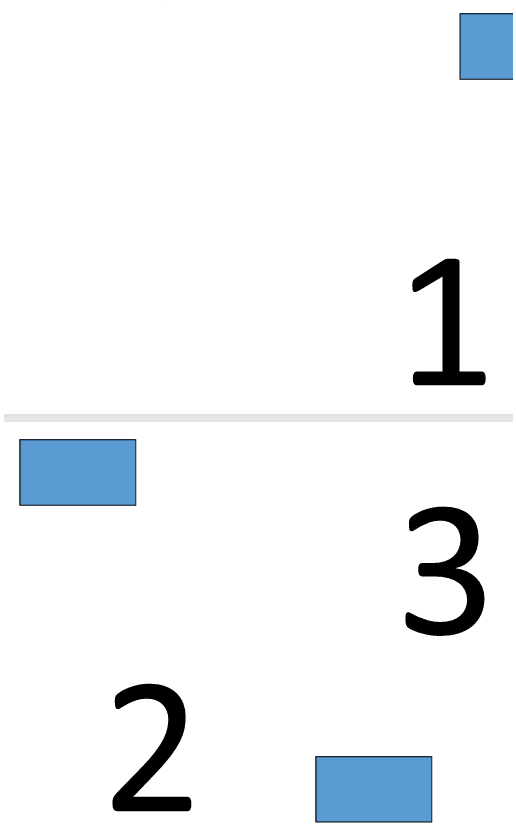
Aspose.PDF for Rust via C++ 解释了如何将标准 PDF 文档转换为小册子样式的 PDF。 小册子格式会重新排列页面,使得在打印和折叠后,文档形成一个正确顺序的完整小册子。
- 打开源 PDF 文档。
- 将文档保存为小册子 PDF。
  use asposepdf::Document;

  fn main() -> Result<(), Box<dyn std::error::Error>> {
      // Open a PDF-document with filename
      let pdf = Document::open("sample.pdf")?;

      // Convert and save the previously opened PDF-document as booklet PDF-document
      pdf.save_booklet("sample_booklet.pdf")?;

      Ok(())
  }
请注意,完整功能需要免费试用许可证。
探索创建4页小册子的结果。
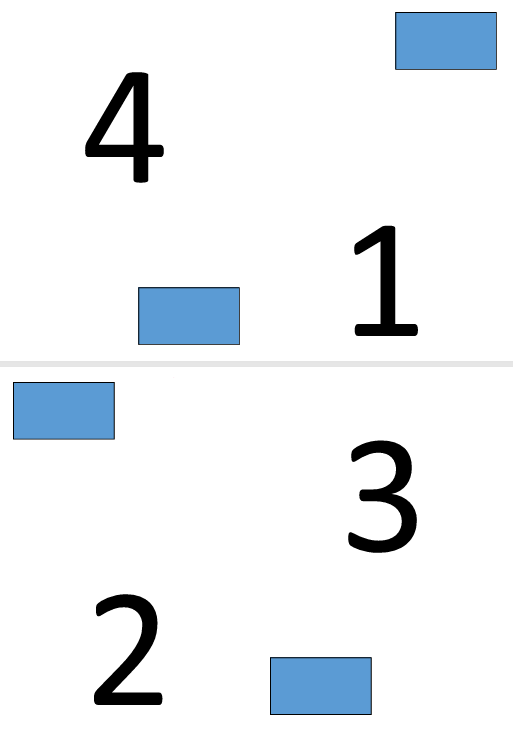
探索创建3页小册子的结果。