
Support for Microsoft Excel 2007 or 2010 Custom UI

Contents
[ ]

Aspose.Cells for Reporting Services Designer supports Microsoft Excel 2007 and 2010 custom user‑interface (UI) extensions. You can use this feature to give your generated workbooks a fresh, modern look without writing any VBA code.

Note: The same API works with newer Excel versions (2013, 2016, 2019, Office 365) because the custom UI format is backward‑compatible.

📖 Overview

Microsoft introduced the Custom UI (also known as Ribbon XML) in Excel 2007. It lets developers replace or extend the default ribbon, tabs, and controls with their own layout and commands.
Aspose.Cells for Reporting Services Designer reads the customUI part of an Excel package and injects it automatically during rendering, so the final workbook displays the custom ribbon you designed.

Visual Guide - Aspose.Cells supports the latest version of Microsoft Excel
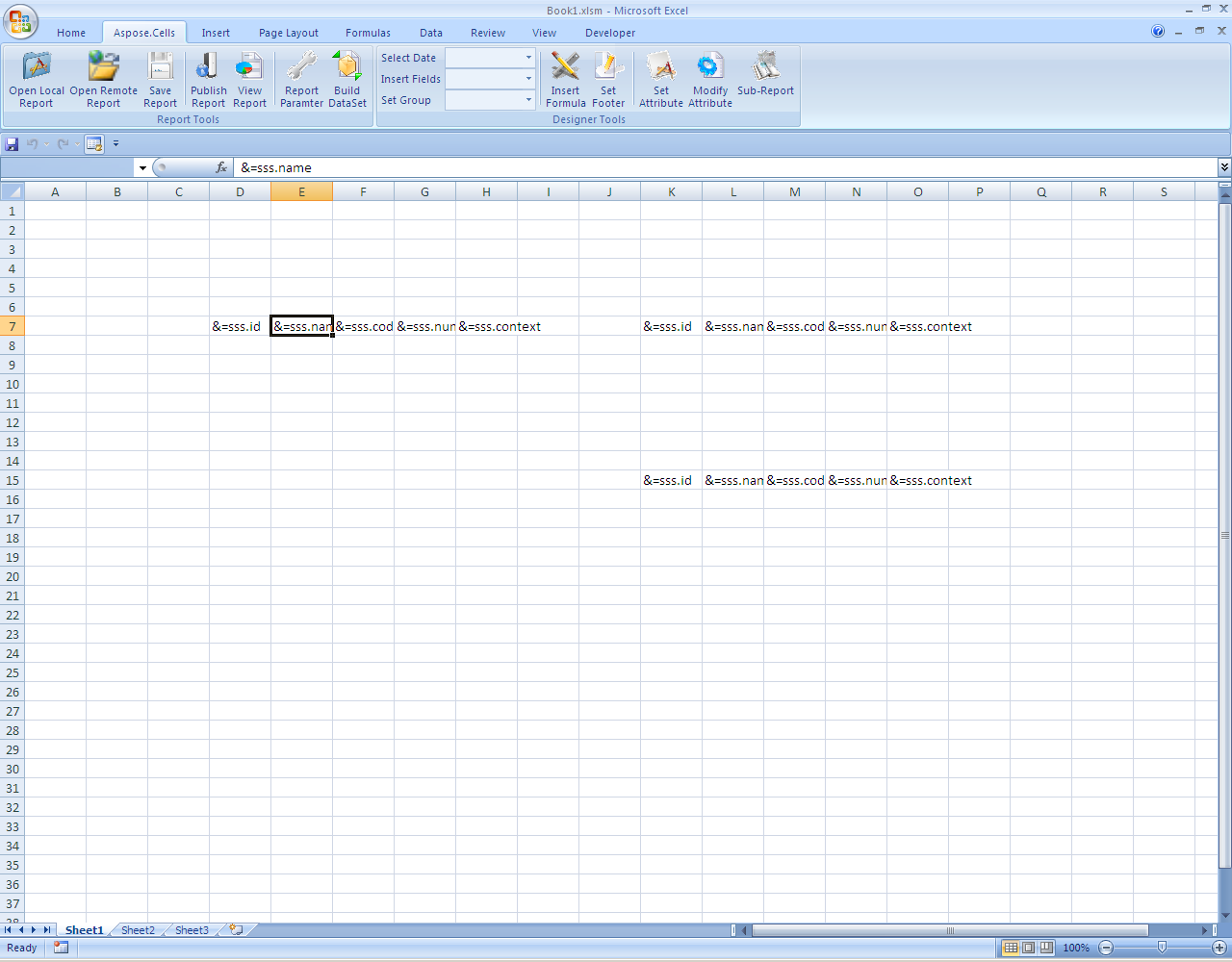
Aspose.Cells for Reporting Services Designer supports the Microsoft Excel 2007 and 2010 custom user interface, and you can easily use this interface to achieve a new look and feel.