
在 Rust 中将 PDF 转换为 EPUB、TeX、Text、XPS
将 PDF 转换为 EPUB
EPUB 是一种来自国际数字出版论坛(IDPF)的免费且开放的电子书标准。文件的扩展名为 .epub。 EPUB 旨在用于可重排内容,这意味着 EPUB 阅读器可以针对特定显示设备优化文本。EPUB 也支持固定布局内容。该格式旨在作为出版商和转换机构可内部使用的单一格式,以及用于分发和销售。它取代了 Open eBook 标准。
提供的 Rust 代码片段演示了如何使用 Aspose.PDF 库将 PDF 文档转换为 EPUB:
- 打开 PDF 文档。
- 使用将 PDF 文件转换为 EPUB 保存_epub 函数。
  use asposepdf::Document;

  fn main() -> Result<(), Box<dyn std::error::Error>> {
      // Open a PDF-document with filename
      let pdf = Document::open("sample.pdf")?;

      // Convert and save the previously opened PDF-document as Epub-document
      pdf.save_epub("sample.epub")?;

      Ok(())
  }

将 PDF 转换为 TeX
Aspose.PDF for Rust 支持将 PDF 转换为 TeX。 LaTeX 文件格式是一种带有特殊标记的文本文件格式,用于基于 TeX 的文档排版系统,以实现高质量的排版。
提供的 Rust 代码片段演示了如何使用 Aspose.PDF 库将 PDF 文档转换为 TeX:
- 打开 PDF 文档。
- 使用 将 PDF 文件转换为 TeX 保存_tex 函数。
  use asposepdf::Document;

  fn main() -> Result<(), Box<dyn std::error::Error>> {
      // Open a PDF-document with filename
      let pdf = Document::open("sample.pdf")?;

      // Convert and save the previously opened PDF-document as TeX-document
      pdf.save_tex("sample.tex")?;

      Ok(())
  }

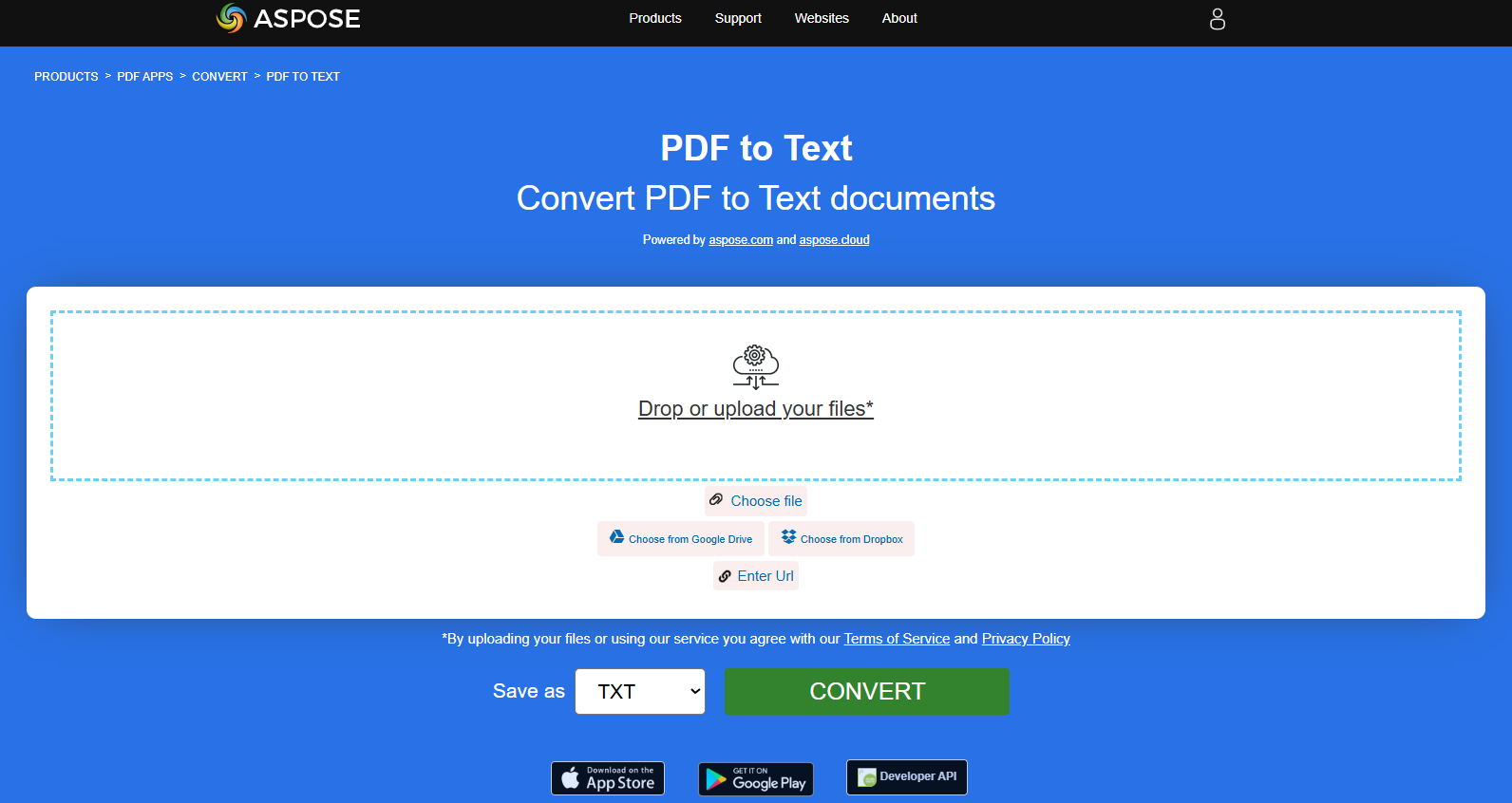
将 PDF 转换为 TXT
提供的 Rust 代码片段演示了如何使用 Aspose.PDF 库将 PDF 文档转换为 TXT:
- 打开 PDF 文档。
- 使用将 PDF 文件转换为 TXT 保存_txt 函数。
  use asposepdf::Document;

  fn main() -> Result<(), Box<dyn std::error::Error>> {
      // Open a PDF-document with filename
      let pdf = Document::open("sample.pdf")?;

      // Convert and save the previously opened PDF-document as Txt-document
      pdf.save_txt("sample.txt")?;

      Ok(())
  }
将 PDF 转换为 XPS
XPS 文件类型主要与微软公司的 XML Paper Specification(XML 纸张规范)相关联。XML Paper Specification(XPS),其前代代号为 Metro,并整合了 Next Generation Print Path(NGPP)营销概念,是微软将文档创建和查看集成到 Windows 操作系统中的倡议。
Aspose.PDF for Rust 提供了一种将 PDF 文件转换为 XPS 格式。让我们尝试使用提供的代码片段将 PDF 文件转换为 XPS 格式,使用 Rust。
提供的 Rust 代码片段演示了如何使用 Aspose.PDF 库将 PDF 文档转换为 XPS。
- 打开 PDF 文档。
- 使用 将 PDF 文件转换为 XPS save_xps 函数。
  use asposepdf::Document;

  fn main() -> Result<(), Box<dyn std::error::Error>> {
      // Open a PDF-document with filename
      let pdf = Document::open("sample.pdf")?;

      // Convert and save the previously opened PDF-document as Xps-document
      pdf.save_xps("sample.xps")?;

      Ok(())
  }

将 PDF 转换为灰度 PDF
提供的 Rust 代码片段演示了如何使用 Aspose.PDF 库将 PDF 文档的首页转换为灰度 PDF:
- 打开 PDF 文档。
- 使用 将 PDF 页面转换为灰度 PDF 页面灰度 函数。
此示例将 PDF 的特定页面转换为灰度:
  use asposepdf::Document;

  fn main() -> Result<(), Box<dyn std::error::Error>> {
      // Open a PDF-document from file
      let pdf = Document::open("sample.pdf")?;

      // Convert page to black and white
      pdf.page_grayscale(1)?;

      // Save the previously opened PDF-document with new filename
      pdf.save_as("sample_page1_grayscale.pdf")?;

      Ok(())
  }
将 PDF 转换为 Markdown
提供的 Rust 代码片段演示了如何使用 Aspose.PDF for Rust 将 PDF 文档转换为 Markdown(.md)文件。
- 打开源 PDF 文件。
- 将 PDF 转换为 Markdown。
- 将打开的 PDF 文档另存为 Markdown 文件。
  use asposepdf::Document;

  fn main() -> Result<(), Box<dyn std::error::Error>> {
      // Open a PDF-document with filename
      let pdf = Document::open("sample.pdf")?;

      // Convert and save the previously opened PDF-document as Markdown-document
      pdf.save_markdown("sample.md")?;

      Ok(())
  }
