
在 Rust 中将 PDF 转换为 Word 文档
Contents
[
Hide
]
在 Microsoft Word 或其他支持 DOC 和 DOCX 格式的文字处理器中编辑 PDF 文件的内容。PDF 文件是可编辑的,但 DOC 和 DOCX 文件更灵活且可自定义。
将 PDF 转换为 DOC
提供的 Rust 代码片段演示了如何使用 Aspose.PDF 库将 PDF 文档转换为 DOC:
- 打开 PDF 文档。
- 使用 将 PDF 文件转换为 DOC save_doc 函数。
  use asposepdf::Document;

  fn main() -> Result<(), Box<dyn std::error::Error>> {
      // Open a PDF-document with filename
      let pdf = Document::open("sample.pdf")?;

      // Convert and save the previously opened PDF-document as Doc-document
      pdf.save_doc("sample.doc")?;

      Ok(())
  }
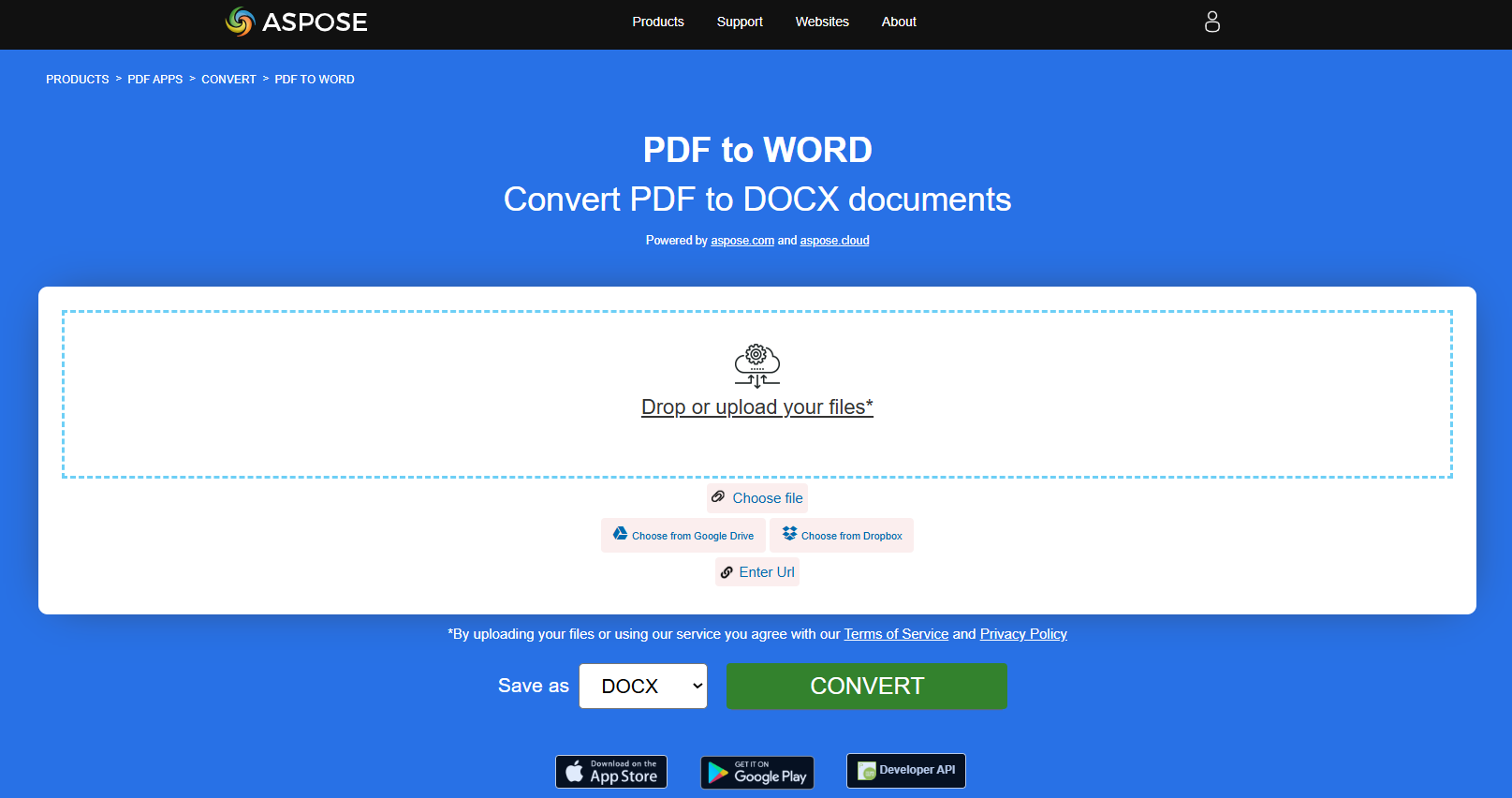
将 PDF 转换为 DOCX
Aspose.PDF for Rust API 允许您读取并将 PDF 文档转换为 DOCX。DOCX 是 Microsoft Word 文档的常用格式,其结构已从纯二进制更改为 XML 与二进制文件的组合。Docx 文件可在 Word 2007 及其后续版本中打开,但无法在仅支持 DOC 文件扩展名的早期 MS Word 版本中打开。
提供的 Rust 代码片段演示了如何使用 Aspose.PDF 库将 PDF 文档转换为 DOCX:
- 打开 PDF 文档。
- 使用 将 PDF 文件转换为 DOCX save_docx 函数。
  use asposepdf::Document;

  fn main() -> Result<(), Box<dyn std::error::Error>> {
      // Open a PDF-document with filename
      let pdf = Document::open("sample.pdf")?;

      // Convert and save the previously opened PDF-document as DocX-document
      pdf.save_docx("sample.docx")?;

      Ok(())
  }
使用增强识别模式将 PDF 转换为 DOCX
使用 Aspose.PDF for Rust 的增强识别模式将 PDF 文档转换为 Microsoft Word(DOCX)文件。
增强识别模式生成可完全编辑的 DOCX,保留:
- 段落结构
- 将表格保留为原生 Word 表格
- 逻辑文本流和格式
- 打开源 PDF 文件。
- 将 PDF 保存为启用了增强布局识别的 DOCX 文件。
  use asposepdf::Document;

  fn main() -> Result<(), Box<dyn std::error::Error>> {
      // Open a PDF-document with filename
      let pdf = Document::open("sample.pdf")?;

      // Convert and save the previously opened PDF-document as DocX-document with Enhanced Recognition Mode (fully editable tables and paragraphs)
      pdf.save_docx_enhanced("sample_enhanced.docx")?;

      Ok(())
  }