
Java에서 프레젠테이션 뷰어 만들기
소개
Aspose.Slides for Java는 슬라이드가 포함된 프레젠테이션 파일을 만드는 데 사용됩니다. 이러한 슬라이드는 예를 들어 Microsoft PowerPoint에서 프레젠테이션을 열어 볼 수 있습니다. 그러나 때때로 개발자는 원하는 이미지 뷰어에서 슬라이드를 이미지로 보거나 자체 프레젠테이션 뷰어를 만들어야 할 수 있습니다. 이러한 경우 Aspose.Slides를 사용하면 개별 슬라이드를 이미지로 내보낼 수 있습니다. 이 문서에서는 그 방법을 설명합니다.
슬라이드에서 SVG 이미지 생성
Aspose.Slides를 사용하여 프레젠테이션 슬라이드에서 SVG 이미지를 생성하려면 아래 단계를 따르세요:
- Presentation 클래스의 인스턴스를 생성합니다.
- 인덱스로 슬라이드 참조를 가져옵니다.
- 파일 스트림을 엽니다.
- 슬라이드를 SVG 이미지로 파일 스트림에 저장합니다.
int slideIndex = 0;

Presentation presentation = new Presentation("sample.pptx");
ISlide slide = presentation.getSlides().get_Item(slideIndex);

FileOutputStream svgStream = new FileOutputStream("output.svg");
slide.writeAsSvg(svgStream);
svgStream.close();

presentation.dispose();
사용자 지정 Shape ID로 SVG 생성
Aspose.Slides를 사용하면 사용자 지정 Shape ID가 있는 슬라이드에서 SVG를 생성할 수 있습니다. 이를 위해서는 ISvgShape의 setId 메서드를 사용합니다. CustomSvgShapeFormattingController를 사용하여 Shape ID를 설정할 수 있습니다.
int slideIndex = 0;

Presentation presentation = new Presentation("sample.pptx");
ISlide slide = presentation.getSlides().get_Item(slideIndex);

SVGOptions svgOptions = new SVGOptions();
svgOptions.setShapeFormattingController(new CustomSvgShapeFormattingController());

FileOutputStream svgStream = new FileOutputStream("output.svg");
slide.writeAsSvg(svgStream, svgOptions);
svgStream.close();

presentation.dispose();
class CustomSvgShapeFormattingController implements ISvgShapeFormattingController {
    private int m_shapeIndex;

    public CustomSvgShapeFormattingController() {
        m_shapeIndex = 0;
    }

    public CustomSvgShapeFormattingController(int shapeStartIndex) {
        m_shapeIndex = shapeStartIndex;
    }

    public void formatShape(ISvgShape svgShape, IShape shape) {
        svgShape.setId(String.format("shape-%d", m_shapeIndex++));
    }
}
슬라이드 썸네일 이미지 생성
Aspose.Slides는 슬라이드의 썸네일 이미지를 생성하는 데 도움을 줍니다. Aspose.Slides를 사용하여 슬라이드 썸네일을 생성하려면 아래 단계를 따르세요:
- Presentation 클래스의 인스턴스를 생성합니다.
- 인덱스로 슬라이드 참조를 가져옵니다.
- 정의된 스케일로 참조된 슬라이드의 썸네일 이미지를 가져옵니다.
- 원하는 이미지 형식으로 썸네일 이미지를 저장합니다.
int slideIndex = 0;
float scaleX = 1;
float scaleY = scaleX;

Presentation presentation = new Presentation("sample.pptx");
ISlide slide = presentation.getSlides().get_Item(slideIndex);

IImage image = slide.getImage(scaleX, scaleY);
image.save("output.jpg", ImageFormat.Jpeg);
image.dispose();

presentation.dispose();
사용자 정의 크기로 슬라이드 썸네일 생성
사용자 정의 치수로 슬라이드 썸네일 이미지를 생성하려면 아래 단계를 따르세요:
- Presentation 클래스의 인스턴스를 생성합니다.
- 인덱스로 슬라이드 참조를 가져옵니다.
- 정의된 치수로 참조된 슬라이드의 썸네일 이미지를 가져옵니다.
- 원하는 이미지 형식으로 썸네일 이미지를 저장합니다.
int slideIndex = 0;
Dimension slideSize = new Dimension(1200, 800);

Presentation presentation = new Presentation("sample.pptx");
ISlide slide = presentation.getSlides().get_Item(slideIndex);

IImage image = slide.getImage(slideSize);
image.save("output.jpg", ImageFormat.Jpeg);
image.dispose();

presentation.dispose();
발표자 메모가 포함된 슬라이드 썸네일 생성
Aspose.Slides를 사용하여 발표자 메모가 포함된 슬라이드 썸네일을 생성하려면 아래 단계를 따르세요:
- RenderingOptions 클래스의 인스턴스를 생성합니다.
RenderingOptions.setSlidesLayoutOptions메서드를 사용하여 발표자 메모의 위치를 설정합니다.- Presentation 클래스의 인스턴스를 생성합니다.
- 인덱스로 슬라이드 참조를 가져옵니다.
- 렌더링 옵션을 사용하여 참조된 슬라이드의 썸네일 이미지를 가져옵니다.
- 원하는 이미지 형식으로 썸네일 이미지를 저장합니다.
int slideIndex = 0;

NotesCommentsLayoutingOptions layoutingOptions = new NotesCommentsLayoutingOptions();
layoutingOptions.setNotesPosition(NotesPositions.BottomTruncated);

RenderingOptions renderingOptions = new RenderingOptions();
renderingOptions.setSlidesLayoutOptions(layoutingOptions);

Presentation presentation = new Presentation("sample.pptx");
ISlide slide = presentation.getSlides().get_Item(slideIndex);

IImage image = slide.getImage(renderingOptions);
image.save("output.png", ImageFormat.Png);
image.dispose();

presentation.dispose();
실제 예제
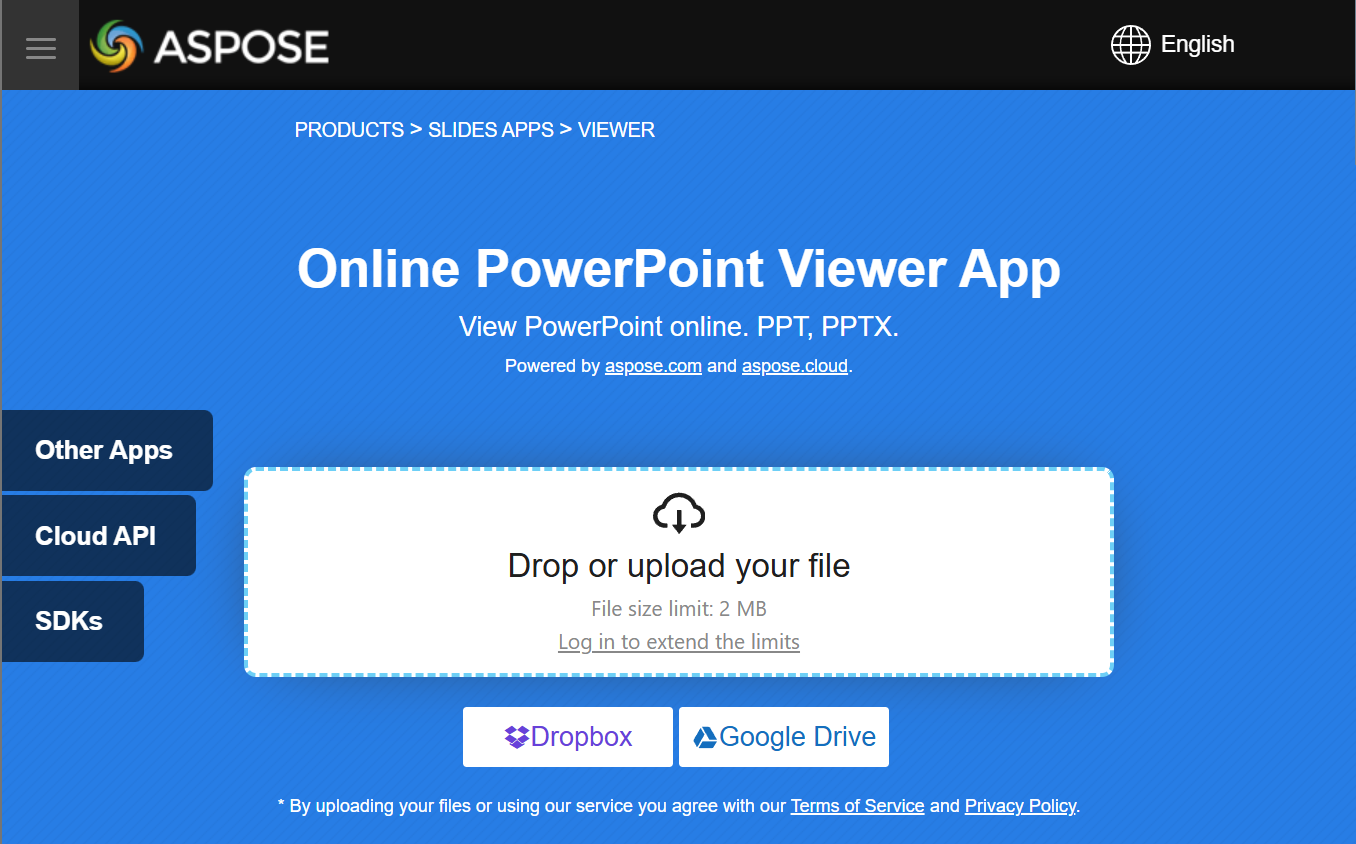
Aspose.Slides Viewer 무료 앱을 사용해 Aspose.Slides API로 구현할 수 있는 내용을 확인해 보세요:
FAQ
웹 애플리케이션에 프레젠테이션 뷰어를 삽입할 수 있나요?
예. Aspose.Slides를 서버 측에서 사용하여 슬라이드를 이미지 또는 HTML로 렌더링하고 브라우저에 표시할 수 있습니다. 탐색 및 확대/축소 기능은 JavaScript를 사용하여 인터랙티브하게 구현할 수 있습니다.
맞춤 뷰어 내에서 슬라이드를 표시하는 가장 좋은 방법은 무엇인가요?
권장 방법은 각 슬라이드를 이미지(PNG 또는 SVG 등)로 렌더링하거나 Aspose.Slides를 사용해 HTML로 변환한 뒤, 데스크톱의 경우 PictureBox에, 웹의 경우 HTML 컨테이너에 출력물을 표시하는 것입니다.
슬라이드가 많은 대형 프레젠테이션을 어떻게 처리하나요?
대용량 프레젠테이션의 경우 슬라이드를 지연 로드하거나 필요 시 렌더링하는 방식을 고려하세요. 이는 사용자가 해당 슬라이드로 이동할 때만 내용을 생성하여 메모리 사용량과 로드 시간을 감소시킵니다.