
.NET에서 프레젠테이션 뷰어 만들기
소개
Aspose.Slides for .NET는 슬라이드가 포함된 프레젠테이션 파일을 생성하는 데 사용됩니다. 이러한 슬라이드는 예를 들어 Microsoft PowerPoint에서 프레젠테이션을 열어 볼 수 있습니다. 그러나 개발자는 때때로 슬라이드를 선호하는 이미지 뷰어에서 이미지로 보거나 사용자 지정 프레젠테이션 뷰어에서 사용해야 할 수 있습니다. 이러한 경우 Aspose.Slides를 사용하면 개별 슬라이드를 이미지로 내보낼 수 있습니다. 이 문서에서는 해당 방법을 설명합니다.
슬라이드에서 SVG 이미지 생성
Aspose.Slides를 사용하여 프레젠테이션 슬라이드에서 SVG 이미지를 생성하려면 아래 단계를 따르세요:
- Presentation 클래스의 인스턴스를 생성합니다.
- 인덱스로 슬라이드에 대한 참조를 가져옵니다.
- 파일 스트림을 엽니다.
- 슬라이드를 SVG 이미지로 파일 스트림에 저장합니다.
int slideIndex = 0;

using (Presentation presentation = new Presentation("sample.pptx"))
{
    ISlide slide = presentation.Slides[slideIndex];

    using (FileStream svgStream = File.Create("output.svg"))
    {
        slide.WriteAsSvg(svgStream);
    }
}
사용자 지정 Shape ID로 SVG 생성
Aspose.Slides를 사용하면 사용자 지정 Shape ID가 있는 슬라이드에서 SVG를 생성할 수 있습니다. 이를 위해서는 ISvgShape 인터페이스의 Id 속성을 사용합니다. CustomSvgShapeFormattingController 클래스를 사용하여 Shape ID를 설정할 수 있습니다.
int slideIndex = 0;

using (Presentation presentation = new Presentation("sample.odp"))
{
    ISlide slide = presentation.Slides[slideIndex];

    SVGOptions svgOptions = new SVGOptions
    {
        ShapeFormattingController = new CustomSvgShapeFormattingController()
    };

    using (FileStream svgStream = File.Create("output.svg"))
    {
        slide.WriteAsSvg(svgStream, svgOptions);
    }
}
class CustomSvgShapeFormattingController : ISvgShapeFormattingController
{
    private int m_shapeIndex;

    public CustomSvgShapeFormattingController(int shapeStartIndex = 0)
    {
        m_shapeIndex = shapeStartIndex;
    }

    public void FormatShape(ISvgShape svgShape, IShape shape)
    {
        svgShape.Id = string.Format("shape-{0}", m_shapeIndex++);
    }
}
슬라이드 썸네일 이미지 만들기
Aspose.Slides는 슬라이드의 썸네일 이미지를 생성하는 데 도움을 줍니다. Aspose.Slides를 사용하여 슬라이드 썸네일을 생성하려면 아래 단계를 따르세요:
- Presentation 클래스의 인스턴스를 생성합니다.
- 인덱스로 슬라이드에 대한 참조를 가져옵니다.
- 참조된 슬라이드의 썸네일 이미지를 원하는 배율로 생성합니다.
- 선호하는 이미지 형식으로 썸네일 이미지를 저장합니다.
int slideIndex = 0;
float scaleX = 1;
float scaleY = scaleX;

using (Presentation presentation = new Presentation("sample.pptx"))
{
    ISlide slide = presentation.Slides[slideIndex];

    using (IImage image = slide.GetImage(scaleX, scaleY))
    {
        image.Save("output.jpg", ImageFormat.Jpeg);
    }
}
사용자 정의 크기로 슬라이드 썸네일 만들기
사용자 정의 크기로 슬라이드 썸네일 이미지를 만들려면 아래 단계를 따르세요:
- Presentation 클래스의 인스턴스를 생성합니다.
- 인덱스로 슬라이드에 대한 참조를 가져옵니다.
- 지정된 크기로 참조된 슬라이드의 썸네일 이미지를 생성합니다.
- 선호하는 이미지 형식으로 썸네일 이미지를 저장합니다.
int slideIndex = 0;
Size slideSize = new Size(1200, 800);

using (Presentation presentation = new Presentation("sample.odp"))
{
    ISlide slide = presentation.Slides[slideIndex];

    using (IImage image = slide.GetImage(slideSize))
    {
        image.Save("output.jpg", ImageFormat.Jpeg);
    }
}
발표자 메모가 포함된 슬라이드 썸네일 만들기
Aspose.Slides를 사용하여 발표자 메모가 포함된 슬라이드 썸네일을 생성하려면 아래 단계를 따르세요:
- RenderingOptions 클래스의 인스턴스를 생성합니다.
RenderingOptions.SlidesLayoutOptions속성을 사용하여 발표자 메모의 위치를 설정합니다.- Presentation 클래스의 인스턴스를 생성합니다.
- 인덱스로 슬라이드에 대한 참조를 가져옵니다.
- 렌더링 옵션을 사용하여 참조된 슬라이드의 썸네일 이미지를 생성합니다.
- 선호하는 이미지 형식으로 썸네일 이미지를 저장합니다.
int slideIndex = 0;

RenderingOptions renderingOptions = new RenderingOptions
{
    SlidesLayoutOptions = new NotesCommentsLayoutingOptions
    {
        NotesPosition = NotesPositions.BottomTruncated
    }
};

using (Presentation presentation = new Presentation("sample.pptx"))
{
    ISlide slide = presentation.Slides[slideIndex];

    using (IImage image = slide.GetImage(renderingOptions))
    {
        image.Save("output.png", ImageFormat.Png);
    }
}
실제 예제
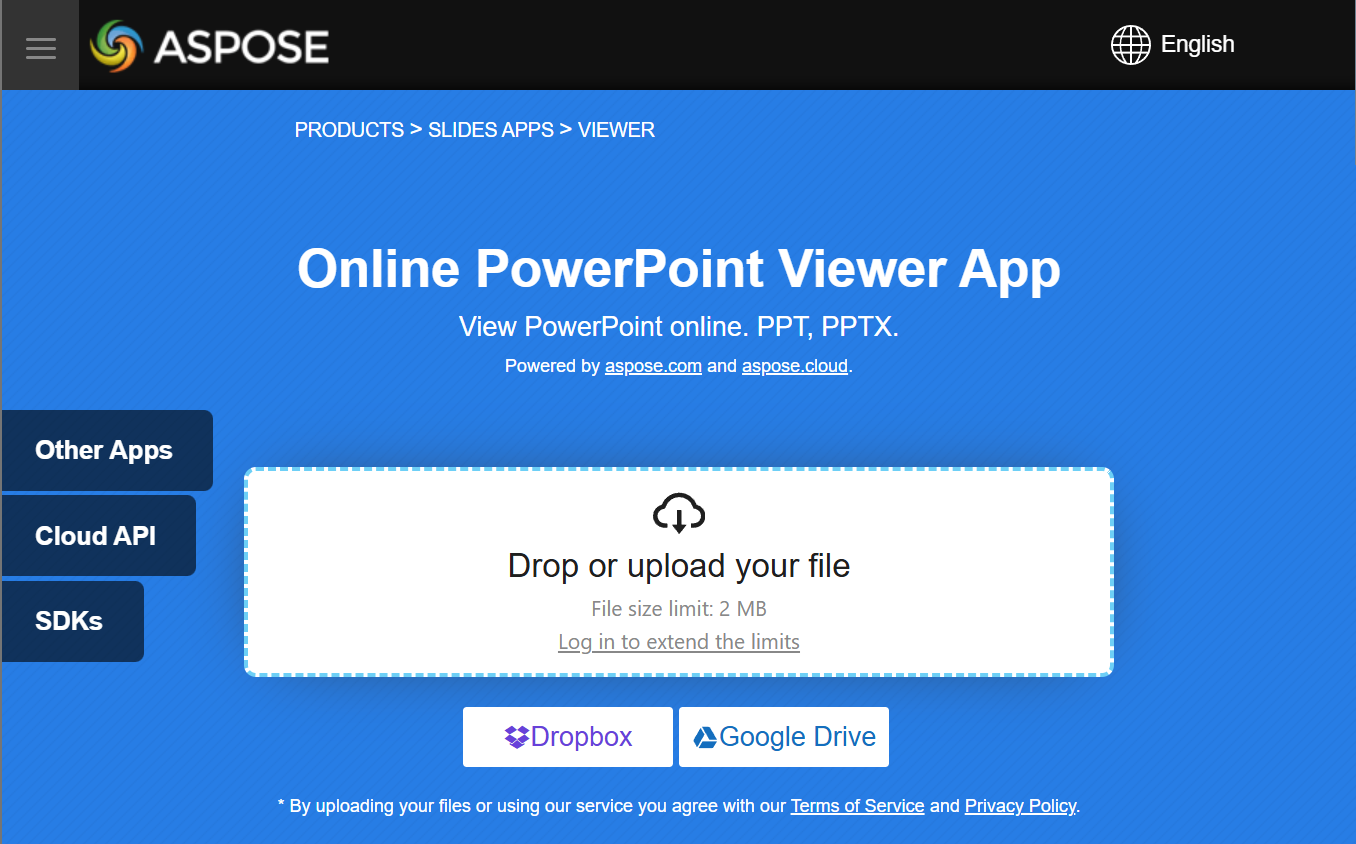
Aspose.Slides API로 구현할 수 있는 기능을 확인하려면 무료 앱인 Aspose.Slides Viewer을 사용해 보세요:
FAQ
ASP.NET 웹 애플리케이션에 프레젠테이션 뷰어를 임베드할 수 있나요?
예. Aspose.Slides를 서버 측에서 사용하여 슬라이드를 이미지 또는 HTML로 렌더링하고 브라우저에 표시할 수 있습니다. 탐색 및 확대/축소 기능은 JavaScript로 구현하여 인터랙티브한 경험을 제공할 수 있습니다.
사용자 지정 .NET 뷰어 내부에 슬라이드를 표시하는 가장 좋은 방법은 무엇인가요?
권장 방법은 각 슬라이드를 이미지(PNG 또는 SVG 등)로 렌더링하거나 Aspose.Slides를 사용해 HTML로 변환한 다음, 데스크톱의 경우 PictureBox에, 웹의 경우 HTML 컨테이너에 출력 결과를 표시하는 것입니다.
많은 슬라이드가 포함된 큰 프레젠테이션을 어떻게 처리해야 하나요?
큰 덱의 경우 슬라이드를 지연 로드하거나 필요 시 렌더링하는 방식을 고려하세요. 즉, 사용자가 슬라이드로 이동할 때만 해당 슬라이드 콘텐츠를 생성하여 메모리 사용량과 로드 시간을 줄일 수 있습니다.