
PPT to PPTX Conversion (Historical)
Contents
[
Hide
]
Note
This is a historical page, kept for existing links. It does not describe the current version of Aspose.Slides for Java. For the formats that Aspose.Slides for Java loads, imports, saves, and renders, and the API for each one, see Supported File Formats. For the current conversion guide, see Convert PPT to PPTX.Note
PPT to PPTX conversion is supported from Aspose.Slides for Java. Most presentation features - master slides, structure and so on - are retained when converted from one format to the other, but there are a few limitations.Features Supported in Conversion
Aspose.Slides for Java provides partial support for converting the PPT file format to PPTX. Support for conversion has just been introduced to Aspose.Slides for Java, so it has a few limitations and works best for simple presentations. The main advantage that Aspose.Slides for Java provides when converting PPT to PPTX is how easy the API is to use. To see examples of the code, see Convert PPT to PPTX. The list below shows which features are supported for PPT to PPTX conversion.
Source PPT presentation
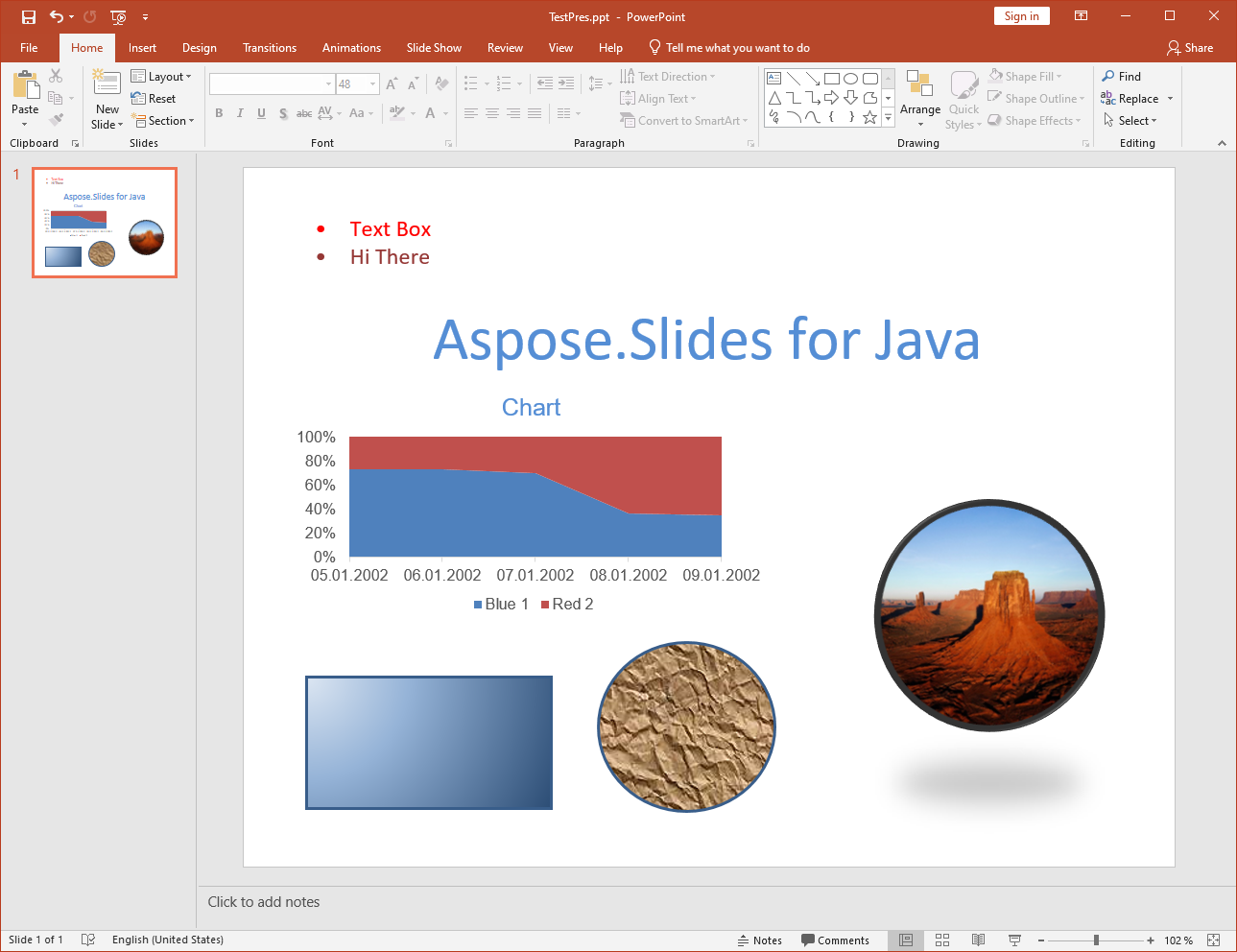
After conversion to PPTX
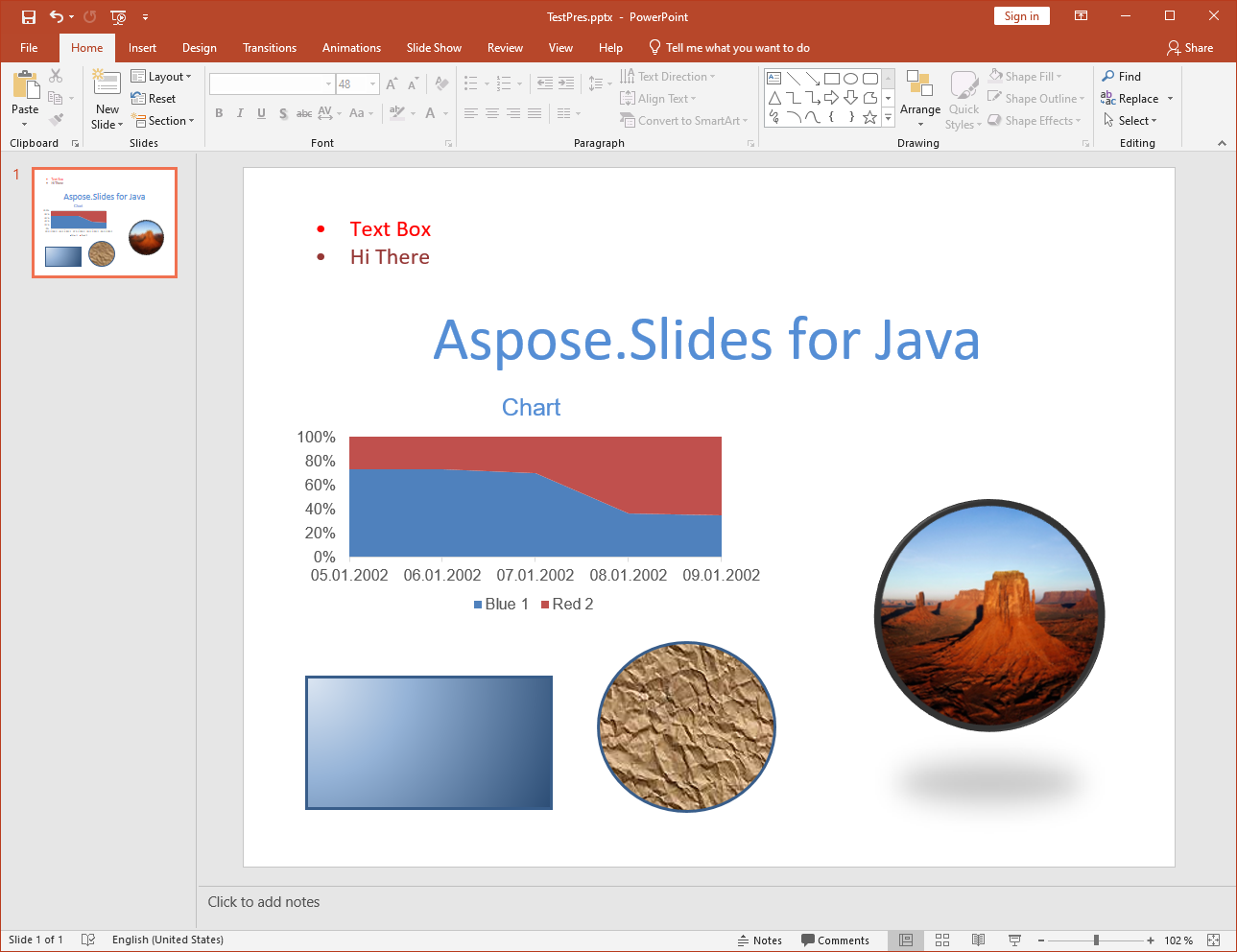
Supported Features
The following features are supported for conversion:
- Converting the structure of masters, layouts and slides.
- Converting charts.
- Group shapes.
- Converting autoshapes including rectangles and ellipses.
- Shapes with custom geometry.
- Textures and pictures fill styles for autoshapes.
- Converting placeholders.
- Converting lines and polylines.
- Line and fill formats.
- Gradient fill styles.
- OLE frames, tables, video and audio frames, etc.
- Animation and slideshow properties.
- Converting text in text frames and text holders.