
Convert PDF to Word documents in Go
Convert PDF files to Word formats when you need to move static document content into editable word-processing workflows. DOC and DOCX outputs are useful for review, reuse, and further content updates in Microsoft Word and other compatible editors.
Convert PDF to DOC
Use DOC conversion when you need a broadly compatible Word-processing format for editing, review, or export into older document workflows.
The following example shows how to convert a PDF document to DOC with Aspose.PDF for Go via C++.
- Use the Open method to load the source PDF file and return a
Documentinstance for processing. - Call the SaveDoc method to convert the opened PDF document and save the result as a DOC file.
- Use the Close method after conversion to release the resources associated with the opened PDF document.
    package main

    import "github.com/aspose-pdf/aspose-pdf-go-cpp"
    import "log"

    func main() {
      // Open(filename string) opens a PDF-document with filename
      pdf, err := asposepdf.Open("sample.pdf")
      if err != nil {
        log.Fatal(err)
      }
      // Close() releases allocated resources for PDF-document
      defer pdf.Close()
      // SaveDoc(filename string) saves previously opened PDF-document as Doc-document with filename
      err = pdf.SaveDoc("sample.doc")
      if err != nil {
        log.Fatal(err)
      }
    }
Try to convert PDF to DOC online
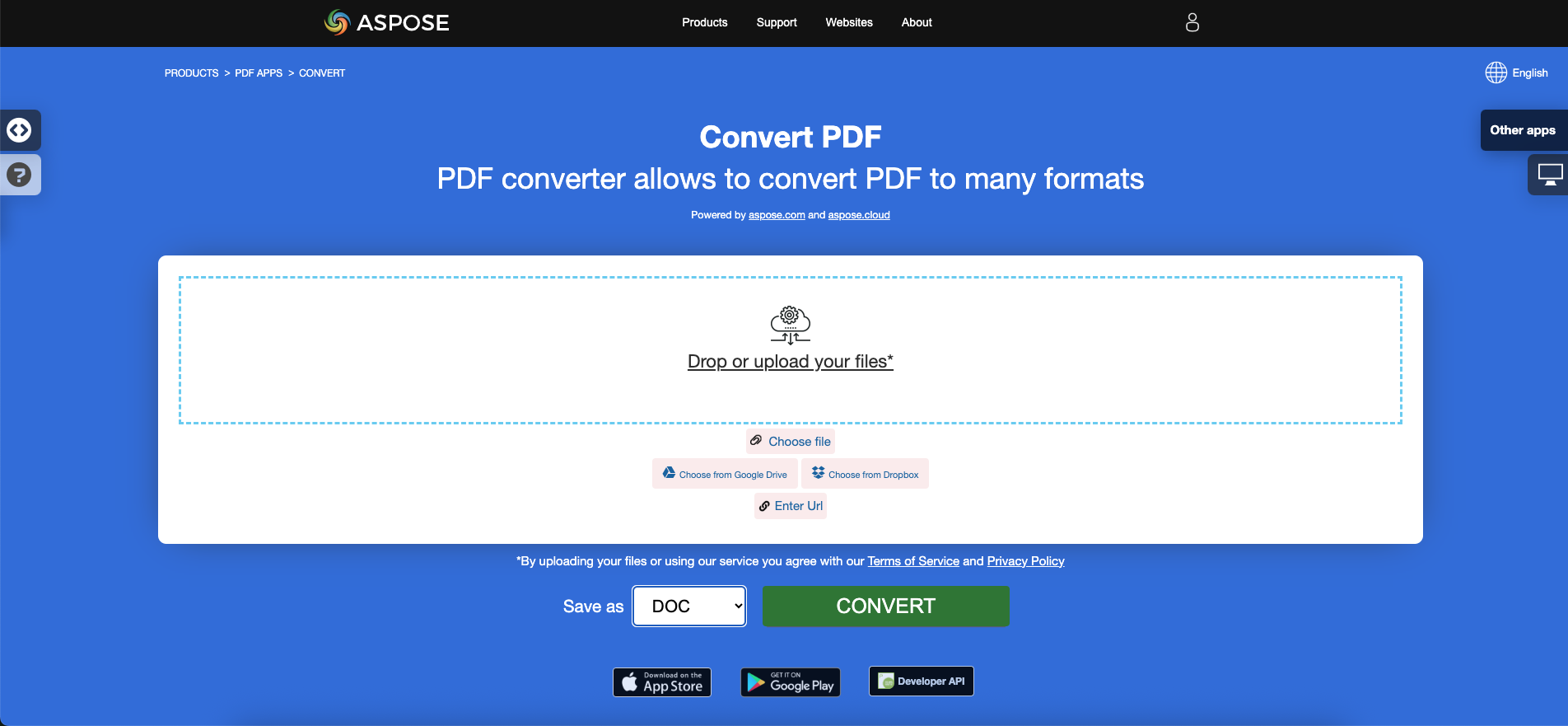
Aspose.PDF for Go presents you online free application “PDF to DOC”, where you may try to investigate the functionality and quality it works.
Convert PDF to DOCX
Aspose.PDF for Go API also lets you convert PDF documents to DOCX. DOCX is the modern Microsoft Word format based on XML packaging and is the preferred option when you need better compatibility with current editing, collaboration, and document-processing tools.
The following example shows how to convert a PDF document to DOCX with Aspose.PDF for Go via C++.
- Use the Open method to load the input PDF document from disk.
- Call the SaveDocX method to convert the opened PDF document and save the result as a DOCX file.
- Use the Close method when processing is complete to release the PDF resources.
    package main

    import "github.com/aspose-pdf/aspose-pdf-go-cpp"
    import "log"

    func main() {
      // Open(filename string) opens a PDF-document with filename
      pdf, err := asposepdf.Open("sample.pdf")
      if err != nil {
        log.Fatal(err)
      }
      // Close() releases allocated resources for PDF-document
      defer pdf.Close()
      // SaveDocX(filename string) saves previously opened PDF-document as DocX-document with filename
      err = pdf.SaveDocX("sample.docx")
      if err != nil {
        log.Fatal(err)
      }
    }
Try to convert PDF to DOCX online
Aspose.PDF for Go presents you online free application “PDF to Word”, where you may try to investigate the functionality and quality it works.