Convert PDF to PPTX in Go
Contents
[
Hide
]
Convert PDF to PPTX
PowerPoint conversion is useful when you need to turn a static PDF into slides that can be reused in meetings, training materials, or business presentations. This workflow helps you preserve the visual structure of the original document while moving the content into a presentation-friendly format.
The following example shows how to convert a PDF document to PPTX with Aspose.PDF for Go via C++.
- Use the Open method to load the source PDF file and return a
Documentinstance for processing. - Call the SavePptX method to convert the opened PDF document and save the generated PowerPoint presentation to the target path.
- Use the Close method after conversion to release the resources associated with the opened PDF document.
    package main

    import "github.com/aspose-pdf/aspose-pdf-go-cpp"
    import "log"

    func main() {
      // Open(filename string) opens a PDF-document with filename
      pdf, err := asposepdf.Open("sample.pdf")
      if err != nil {
        log.Fatal(err)
      }
      // Close() releases allocated resources for PDF-document
      defer pdf.Close()
      // SavePptX(filename string) saves previously opened PDF-document as PptX-document with filename
      err = pdf.SavePptX("sample.pptx")
      if err != nil {
        log.Fatal(err)
      }
    }
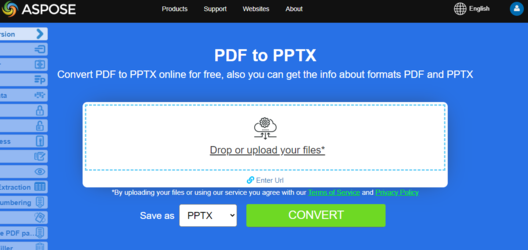
Try to convert PDF to PowerPoint online
Aspose.PDF for Go presents you online free application “PDF to PPTX”, where you may try to investigate the functionality and quality it works.