
Quản lý Thuộc tính Bản trình chiếu trong .NET
Giới thiệu
Aspose.Slides cho .NET hỗ trợ hai loại thuộc tính tài liệu: Built-in và Custom. Cả hai loại thuộc tính này đều có thể được truy cập và quản lý dễ dàng bằng API Aspose.Slides cho .NET.
Aspose.Slides cho phép bạn làm việc với các thuộc tính tài liệu bản trình chiếu thông qua giao diện IDocumentProperties. Một thể hiện của giao diện này được trả về bởi IPresentation.DocumentProperties. Các ví dụ dưới đây cho thấy cách đọc, sửa đổi và quản lý các thuộc tính này.
Note
Vui lòng lưu ý rằng các trường Application và Producer không thể được sửa đổi, vì các trường này luôn hiển thị “Aspose Ltd.” và “Aspose.Slides for .NET x.x.x”.Quản lý Thuộc tính Bản trình chiếu
Microsoft PowerPoint cung cấp tính năng thêm thuộc tính vào tệp bản trình chiếu. Các thuộc tính tài liệu này cho phép lưu trữ thông tin hữu ích cùng với tệp. Có hai loại thuộc tính tài liệu:
- Thuộc tính hệ thống (built-in)
- Thuộc tính người dùng (custom)
Built-in chứa thông tin chung về tài liệu, chẳng hạn như tiêu đề tài liệu, tên tác giả, thống kê tài liệu, và nhiều hơn nữa.
Custom được người dùng định nghĩa dưới dạng cặp Tên/Giá trị, trong đó cả tên và giá trị đều được người dùng chỉ định.
Sử dụng Aspose.Slides cho .NET, các nhà phát triển có thể truy cập và sửa đổi cả thuộc tính built-in và custom.
Microsoft PowerPoint cho phép người dùng quản lý thuộc tính tài liệu bằng cách nhấp vào biểu tượng Office, sau đó chọn File → Info → Properties. Sau khi chọn Advanced Properties, một hộp thoại xuất hiện cho phép bạn quản lý tất cả các thuộc tính tài liệu của tệp bản trình chiếu.
Trong hộp thoại Properties, có một số tab, chẳng hạn như General, Summary, Statistics, Contents, và Custom. Mỗi tab cung cấp các tùy chọn cấu hình cho các loại thông tin cụ thể liên quan đến tệp PowerPoint. Tab Custom được sử dụng để quản lý các thuộc tính do người dùng định nghĩa.
Đọc Thuộc tính Công khai từ Bản trình chiếu Được Mã hoá
Mật khẩu mở thường bảo vệ cả nội dung bản trình chiếu và các thuộc tính tài liệu. Khi bản trình chiếu được mã hoá với IProtectionManager.EncryptDocumentProperties được đặt thành false, các thuộc tính tài liệu của nó vẫn công khai. Ứng dụng sau đó có thể đặt LoadOptions.OnlyLoadDocumentProperties thành true và đọc siêu dữ liệu công khai mà không cần cung cấp mật khẩu mở.
OnlyLoadDocumentProperties kiểm soát những gì Aspose.Slides tải; nó không giải mã bất kỳ thứ gì. Nếu các thuộc tính đã được bao gồm trong quá trình mã hoá, việc tải chúng mà không có mật khẩu sẽ thất bại. Nếu bản trình chiếu không được mã hoá, tùy chọn này bị bỏ qua và toàn bộ bản trình chiếu sẽ được tải.
Ví dụ sau kiểm tra chế độ tải thông qua IProtectionManager.IsOnlyDocumentPropertiesLoaded và sau đó đọc các thuộc tính built-in qua IPresentation.DocumentProperties:
using System;
using Aspose.Slides;

var loadOptions = new LoadOptions { OnlyLoadDocumentProperties = true };
using var presentation = new Presentation("public-properties-encrypted.pptx", loadOptions);

if (presentation.ProtectionManager.IsOnlyDocumentPropertiesLoaded)
{
    var properties = presentation.DocumentProperties;

    Console.WriteLine("Author: " + properties.Author);
    Console.WriteLine("Title: " + properties.Title);
    Console.WriteLine("Keywords: " + properties.Keywords);
}
else
{
    Console.WriteLine("The presentation was not loaded in document-properties-only mode.");
}
Trong chế độ này, nội dung slide không được tải. Các slide, master, layout, shape, media và các đối tượng khác của bản trình chiếu không khả dụng. Ứng dụng nên luôn kiểm tra IsOnlyDocumentPropertiesLoaded trước khi thực hiện thao tác yêu cầu mô hình đối tượng bản trình chiếu đầy đủ.
Security
Siêu dữ liệu công khai có thể tiết lộ tên tác giả, tiêu đề, chủ đề, từ khóa, thông tin công ty, bình luận và các giá trị tùy chỉnh. Hãy mã hoá các thuộc tính nhạy cảm cùng với bản trình chiếu. Chỉ để chúng công khai khi hệ thống lập chỉ mục, phân loại, tìm kiếm hoặc quản lý tài liệu có yêu cầu cụ thể truy cập chúng mà không cần mật khẩu.Cập nhật Thuộc tính của Bản trình chiếu Được Mã hoá
Đối với tệp PPTX được mã hoá, một bản trình chiếu được tải với OnlyLoadDocumentProperties nhằm mục đích đọc siêu dữ liệu công khai. Aspose.Slides không thể lưu các thuộc tính đã thay đổi từ đối tượng chỉ có siêu dữ liệu này vì các thuộc tính công khai phải đồng nhất với dữ liệu tương ứng bên trong bản trình chiếu đã mã hoá. Do đó, việc cập nhật chúng đòi hỏi mật khẩu mở đúng và tải toàn bộ bản trình chiếu.
Ví dụ sau mở bản trình chiếu bằng LoadOptions.Password, cập nhật các thuộc tính built-in công khai, và lưu kết quả. Sau đó sử dụng IPresentationInfo.IsEncrypted để xác minh rằng việc mã hoá vẫn được duy trì và mở lại siêu dữ liệu công khai mà không có mật khẩu để kiểm tra các giá trị mới:
using System;
using Aspose.Slides;
using Aspose.Slides.Export;

const string inputPath = "public-properties-encrypted.pptx";
const string outputPath = "updated-public-properties-encrypted.pptx";

{
    var loadOptions = new LoadOptions { Password = "open_password" };
    using var presentation = new Presentation(inputPath, loadOptions);

    presentation.DocumentProperties.Title = "Updated Product Roadmap";
    presentation.DocumentProperties.Keywords = "roadmap, planning, indexed";
    presentation.Save(outputPath, SaveFormat.Pptx);
}

var presentationInfo = PresentationFactory.Instance.GetPresentationInfo(outputPath);
Console.WriteLine("The presentation is encrypted: " + presentationInfo.IsEncrypted);

var metadataLoadOptions = new LoadOptions { OnlyLoadDocumentProperties = true };
using var metadataPresentation = new Presentation(outputPath, metadataLoadOptions);

if (metadataPresentation.ProtectionManager.IsOnlyDocumentPropertiesLoaded)
{
    Console.WriteLine("Title: " + metadataPresentation.DocumentProperties.Title);
    Console.WriteLine("Keywords: " + metadataPresentation.DocumentProperties.Keywords);
}
else
{
    Console.WriteLine("The presentation was not loaded in document-properties-only mode.");
}
Nếu một ứng dụng không được phép giải mã hoặc tải nội dung bản trình chiếu, nó phải coi các thuộc tính công khai của tệp PPTX được mã hoá là chỉ đọc.
Truy cập Thuộc tính Built-in
Các thuộc tính này, được mở ra bởi giao diện IDocumentProperties, bao gồm: Creator (Author), Description, Keywords, Created (Creation Date), Modified (Modification Date), Printed (Last Print Date), LastModifiedBy, SharedDoc (chỉ ra liệu tài liệu có được chia sẻ giữa các nhà sản xuất khác nhau hay không), PresentationFormat, Subject, Title, và nhiều hơn nữa.
using Aspose.Slides;

// Khởi tạo lớp Presentation đại diện cho tệp bản trình chiếu.
using Presentation presentation = new Presentation("AccessBuiltInProperties.pptx");

// Lấy tham chiếu tới đối tượng kiểu IDocumentProperties liên kết với bản trình chiếu.
IDocumentProperties documentProperties = presentation.DocumentProperties;

// Hiển thị các thuộc tính Built-in.
Console.WriteLine("Category : " + documentProperties.Category);
Console.WriteLine("Content status : " + documentProperties.ContentStatus);
Console.WriteLine("Creation date : " + documentProperties.CreatedTime);
Console.WriteLine("Author : " + documentProperties.Author);
Console.WriteLine("Comments : " + documentProperties.Comments);
Console.WriteLine("Key words : " + documentProperties.Keywords);
Console.WriteLine("Last modified by : " + documentProperties.LastSavedBy);
Console.WriteLine("Manager : " + documentProperties.Manager);
Console.WriteLine("Modified date : " + documentProperties.LastSavedTime);
Console.WriteLine("Presentation format : " + documentProperties.PresentationFormat);
Console.WriteLine("Last print date : " + documentProperties.LastPrinted);
Console.WriteLine("Is shared between producers : " + documentProperties.SharedDoc);
Console.WriteLine("Subject : " + documentProperties.Subject);
Console.WriteLine("Title : " + documentProperties.Title);
Sửa đổi Thuộc tính Built-in
Sửa đổi các thuộc tính built-in của tệp bản trình chiếu dễ dàng như việc truy cập chúng. Bạn chỉ cần gán một giá trị chuỗi cho bất kỳ thuộc tính nào mong muốn, và giá trị của thuộc tính sẽ được cập nhật. Trong ví dụ dưới đây, chúng tôi minh họa cách sửa đổi các thuộc tính tài liệu built-in của một tệp bản trình chiếu.
using Aspose.Slides;
using Aspose.Slides.Export;

// Khởi tạo lớp Presentation đại diện cho một tệp bản trình chiếu.
using Presentation presentation = new Presentation("ModifyBuiltInProperties.pptx");

// Lấy tham chiếu đến đối tượng kiểu IDocumentProperties liên kết với bản trình chiếu.
IDocumentProperties documentProperties = presentation.DocumentProperties;

// Đặt các thuộc tính Built-in.
documentProperties.Author = "Aspose.Slides for .NET";
documentProperties.Title = "Manage PowerPoint Presentation Properties";
documentProperties.Subject = "Modify Built-in Properties";
documentProperties.Comments = "Aspose description";
documentProperties.Manager = "Aspose manager";

// Save the presentation to a file.
presentation.Save("DocumentProperties_output.pptx", SaveFormat.Pptx);
Thêm Thuộc tính Presentation Tùy chỉnh
Các thuộc tính presentation tùy chỉnh cho phép các nhà phát triển lưu trữ siêu dữ liệu bổ sung hoặc thông tin cụ thể trong tệp bản trình chiếu. Aspose.Slides giúp tạo và quản lý các thuộc tính tùy chỉnh này một cách dễ dàng bằng mã. Các ví dụ sau minh họa cách thêm thuộc tính tùy chỉnh vào bản trình chiếu của bạn.
using Aspose.Slides;
using Aspose.Slides.Export;

// Tạo thể hiện của lớp Presentation.
using Presentation presentation = new Presentation();

// Lấy tham chiếu tới đối tượng kiểu IDocumentProperties liên kết với bản trình chiếu.
IDocumentProperties documentProperties = presentation.DocumentProperties;

// Thêm các thuộc tính tùy chỉnh.
documentProperties["Reviewed by"] = "John Smith";
documentProperties["Confidentiality level"] = "Internal";
documentProperties["Document version"] = 2;

// Lưu bản trình chiếu vào tệp.
presentation.Save("CustomDocumentProperties_output.pptx", SaveFormat.Pptx);
Truy cập và Sửa đổi Thuộc tính Tùy chỉnh
Aspose.Slides cũng cho phép các nhà phát triển truy cập các thuộc tính tùy chỉnh hiện có và dễ dàng sửa đổi giá trị của chúng. Chức năng này giúp duy trì siêu dữ liệu chính xác và hỗ trợ cập nhật động dựa trên đầu vào của người dùng hoặc logic nghiệp vụ. Các ví dụ dưới đây minh họa cách lấy và cập nhật giá trị thuộc tính tùy chỉnh trong một bản trình chiếu.
using Aspose.Slides;
using Aspose.Slides.Export;

// Khởi tạo lớp Presentation đại diện cho một tệp PPTX.
using Presentation presentation = new Presentation("AccessAndModifyProperties.pptx");

// Lấy tham chiếu tới đối tượng kiểu IDocumentProperties liên kết với bản trình chiếu.
IDocumentProperties documentProperties = presentation.DocumentProperties;

// Truy cập và sửa đổi các thuộc tính tùy chỉnh.
for (int i = 0; i < documentProperties.CountOfCustomProperties; i++)
{
    string propertyName = documentProperties.GetCustomPropertyName(i);
    object propertyValue = documentProperties[propertyName];

    // Hiển thị tên và giá trị của thuộc tính tùy chỉnh.
    Console.WriteLine("Custom property name : " + propertyName);
    Console.WriteLine("Custom property value : " + propertyValue);

    // Sửa đổi giá trị của thuộc tính tùy chỉnh.
    documentProperties[propertyName] = "New Value " + (i + 1);
}

// Lưu bản trình chiếu vào tệp.
presentation.Save("CustomProperties_output.pptx", SaveFormat.Pptx);
Ví dụ Trực tiếp
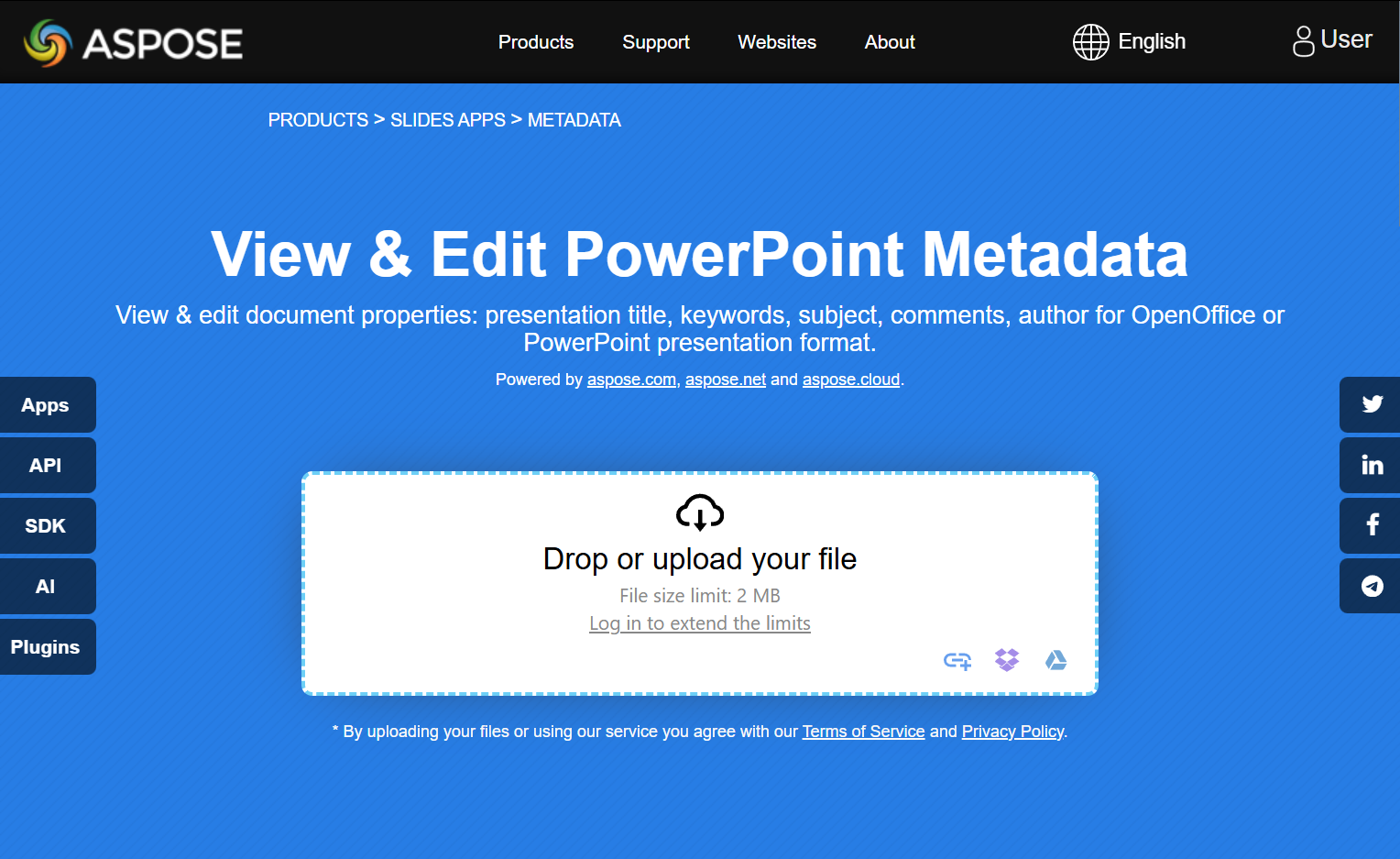
Hãy thử ứng dụng trực tuyến View & Edit PowerPoint Metadata để xem cách làm việc với các thuộc tính tài liệu bằng API Aspose.Slides:
Câu hỏi thường gặp
Làm sao tôi có thể xóa một thuộc tính built-in khỏi bản trình chiếu?
Các thuộc tính built-in là một phần không thể tách rời của bản trình chiếu và không thể bị xóa hoàn toàn. Tuy nhiên, bạn có thể thay đổi giá trị của chúng hoặc đặt chúng thành rỗng nếu thuộc tính cụ thể cho phép.
Điều gì sẽ xảy ra nếu tôi thêm một thuộc tính tùy chỉnh đã tồn tại?
Nếu bạn thêm một thuộc tính tùy chỉnh đã tồn tại, giá trị hiện tại của nó sẽ bị ghi đè bằng giá trị mới. Bạn không cần phải xóa hoặc kiểm tra thuộc tính trước, vì Aspose.Slides sẽ tự động cập nhật giá trị của thuộc tính.
Tôi có thể truy cập các thuộc tính bản trình chiếu mà không tải toàn bộ bản trình chiếu không?
Có. Sử dụng PresentationFactory.GetPresentationInfo và sau đó IPresentationInfo.ReadDocumentProperties để đọc siêu dữ liệu tài liệu đã lưu mà không tạo một thể hiện Presentation. Xem Build a Lightweight Presentation Inventory để biết ví dụ báo cáo đầy đủ và các giới hạn theo định dạng.
Tôi có thể đọc các thuộc tính công khai của bản trình chiếu được mã hoá mà không có mật khẩu mở không?
Có. Bản trình chiếu phải đã được mã hoá với EncryptDocumentProperties đặt thành false, và phải được tải với OnlyLoadDocumentProperties đặt thành true.
Tôi có thể cập nhật một tệp PPTX được mã hoá ở chế độ chỉ tải thuộc tính tài liệu không?
Không. Dữ liệu thuộc tính công khai và được mã hoá phải đồng nhất, vì vậy việc cập nhật một tệp PPTX được mã hoá yêu cầu tải toàn bộ bản trình chiếu với mật khẩu mở đúng.