Copy Paste Behavior Of EnableClipboardCopyPaste and PasteType GridDesktop Properties
Possible Usage Scenarios
GridDesktop provides different types of copy paste type options with Aspose.Cells.GridDesktop.GridDesktop.PasteType property. These options are specified with Aspose.Cells.GridDesktop.Data.GridPasteType enumeration. Some of these are as follows
- GridPasteType.All
It copies and paste everything from source cells to target cells.
- GridPasteType.Formulas
It copies and paste formulas from source cells to target cells.
- GridPasteType.Comments
It copies and paste comments from source cells to target cells.
- GridPasteType.RowHeights
It copies and paste rows heights from source cells to target cells.
- GridPasteType.ColumnWidths
It copies and paste columns widths from source cells to target cells.
etc.
Set EnableClipboardCopyPaste Property True To Enable PasteType Property
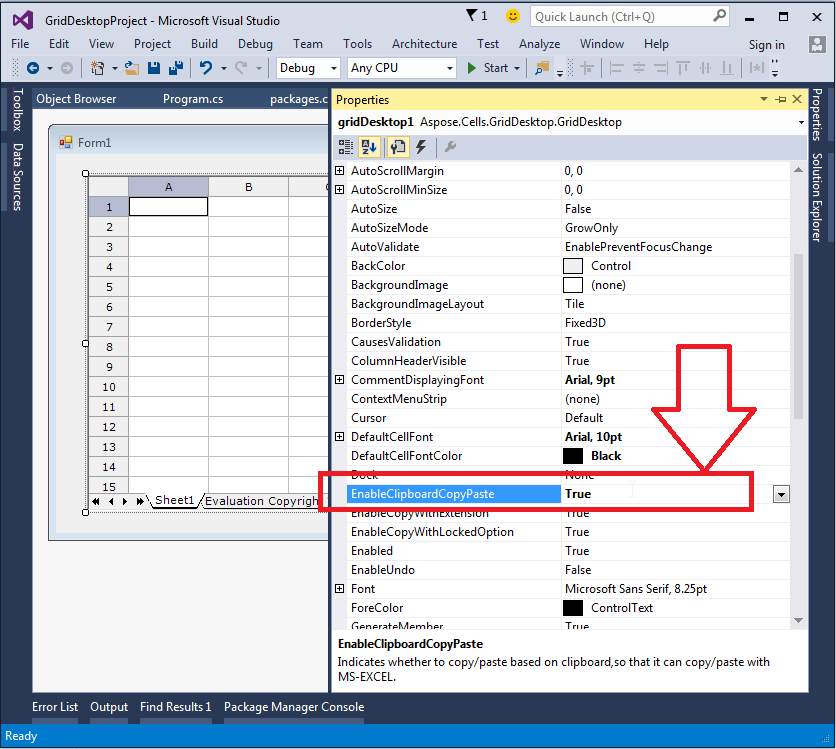
Aspose.Cells.GridDesktop.GridDesktop.PasteType property works only if you set Aspose.Cells.GridDesktop.GridDesktop.EnableClipboardCopyPaste property true as shown in this screenshot.
Behavior Of EnableClipboardCopyPaste and PasteType Properties
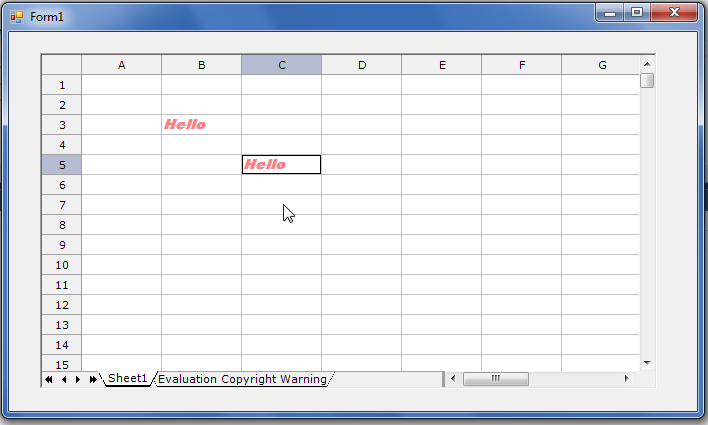
Given that EnableClipboardCopyPaste is false and PasteType is All, the following screenshot shows that when cell B3 is copied and pasted to cell C5.
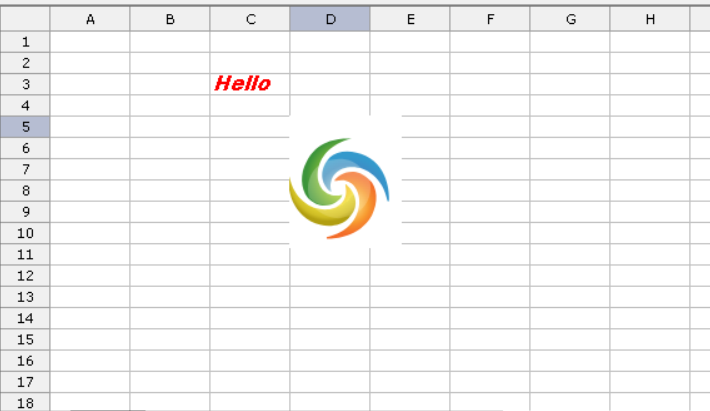
Given that EnableClipboardCopyPaste is true and PasteType is All,after copy an image from windows . the following screenshot shows that when cell B3 is copied and pasted to cell C5, it also copies the image to cell C5.