
C++에서 프레젠테이션 배경 관리
소개
슬라이드 배경에는 일반적으로 단색, 그라디언트 및 이미지가 사용됩니다. 일반 슬라이드(단일 슬라이드) 또는 마스터 슬라이드(한 번에 여러 슬라이드에 적용) 에 대한 배경을 설정할 수 있습니다.
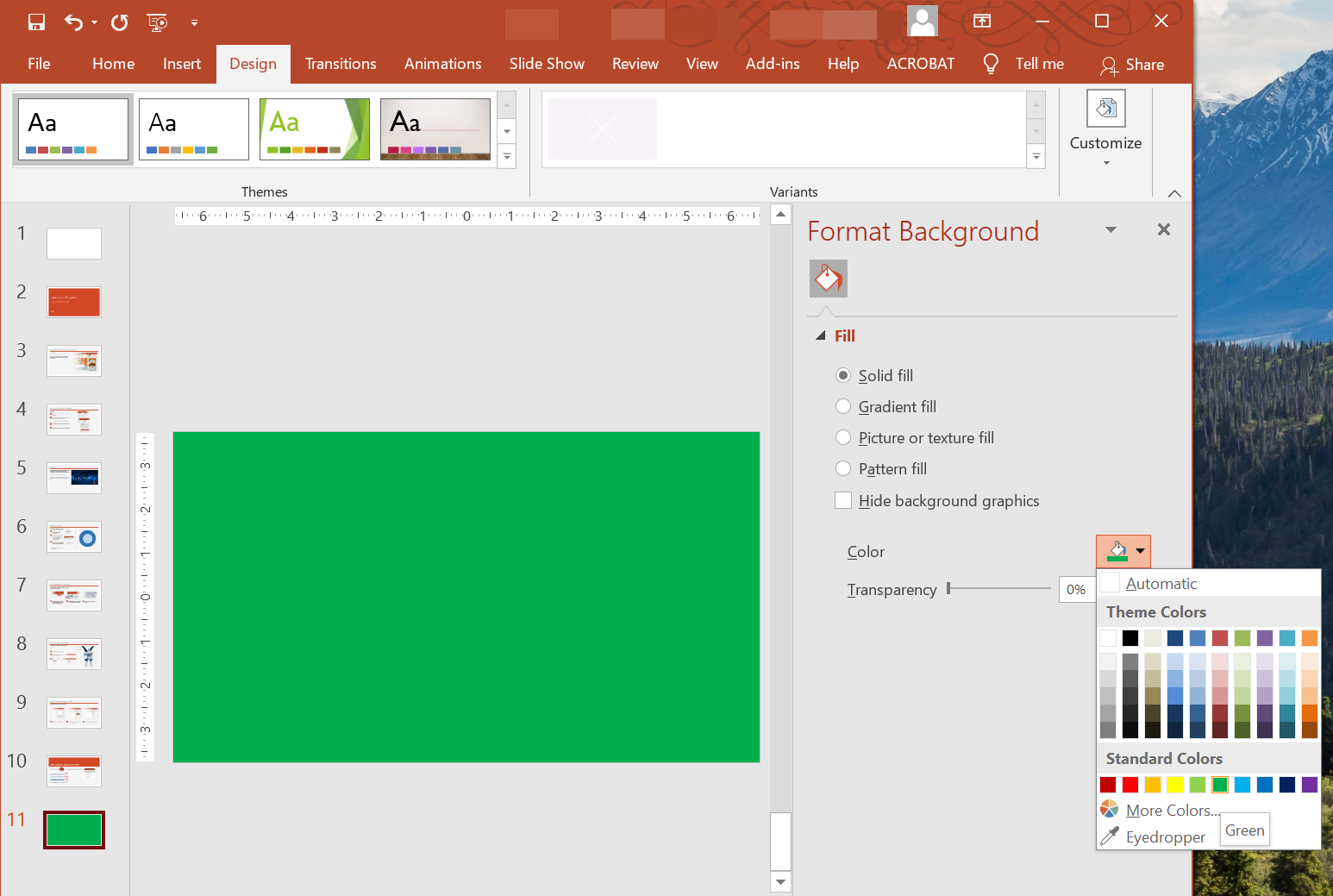
일반 슬라이드에 단색 배경 설정
Aspose.Slides를 사용하면 프레젠테이션의 특정 슬라이드에 단색을 배경으로 설정할 수 있습니다—프레젠테이션이 마스터 슬라이드를 사용하는 경우에도. 이 변경은 선택한 슬라이드에만 적용됩니다.
- Presentation 클래스의 인스턴스를 생성합니다.
- 슬라이드의 BackgroundType을
OwnBackground로 설정합니다. - 슬라이드 배경의 FillType을
Solid로 설정합니다. - FillFormat에서 get_SolidFillColor 메서드를 사용하여 단색 배경 색을 지정합니다.
- 수정된 프레젠테이션을 저장합니다.
다음 C++ 예제는 일반 슬라이드에 파란색 단색 배경을 설정하는 방법을 보여줍니다:
// Presentation 클래스의 인스턴스를 생성합니다.
auto presentation = MakeObject<Presentation>();

auto slide = presentation->get_Slide(0);

// 슬라이드의 배경 색을 파란색으로 설정합니다.
slide->get_Background()->set_Type(BackgroundType::OwnBackground);
slide->get_Background()->get_FillFormat()->set_FillType(FillType::Solid);
slide->get_Background()->get_FillFormat()->get_SolidFillColor()->set_Color(Color::get_Blue());

// 프레젠테이션을 디스크에 저장합니다.
presentation->Save(u"SolidColorBackground.pptx", SaveFormat::Pptx);
presentation->Dispose();
마스터 슬라이드에 단색 배경 설정
Aspose.Slides를 사용하면 프레젠테이션의 마스터 슬라이드에 단색을 배경으로 설정할 수 있습니다. 마스터 슬라이드는 모든 슬라이드의 형식을 제어하는 템플릿 역할을 하므로, 마스터 슬라이드 배경에 단색을 선택하면 모든 슬라이드에 적용됩니다.
- Presentation 클래스의 인스턴스를 생성합니다.
- 마스터 슬라이드의 BackgroundType (
get_Masters를 통해)를OwnBackground로 설정합니다. - 마스터 슬라이드 배경의 FillType을
Solid로 설정합니다. - get_SolidFillColor 메서드를 사용하여 단색 배경 색을 지정합니다.
- 수정된 프레젠테이션을 저장합니다.
다음 C++ 예제는 마스터 슬라이드에 단색(포레스트 그린) 배경을 설정하는 방법을 보여줍니다:
// Presentation 클래스의 인스턴스를 생성합니다.
auto presentation = MakeObject<Presentation>();

auto masterSlide = presentation->get_Master(0);

// 마스터 슬라이드의 배경 색을 포레스트 그린으로 설정합니다.
masterSlide->get_Background()->set_Type(BackgroundType::OwnBackground);
masterSlide->get_Background()->get_FillFormat()->set_FillType(FillType::Solid);
masterSlide->get_Background()->get_FillFormat()->get_SolidFillColor()->set_Color(Color::get_ForestGreen());

// 프레젠테이션을 디스크에 저장합니다.
presentation->Save(u"MasterSlideBackground.pptx", SaveFormat::Pptx);
presentation->Dispose();
슬라이드에 그라디언트 배경 설정
그라디언트는 색상이 점진적으로 변하는 그래픽 효과입니다. 슬라이드 배경으로 사용할 경우 프레젠테이션을 더욱 예술적이고 전문적으로 보이게 할 수 있습니다. Aspose.Slides를 사용하면 슬라이드에 그라디언트 색을 배경으로 설정할 수 있습니다.
- Presentation 클래스의 인스턴스를 생성합니다.
- 슬라이드의 BackgroundType을
OwnBackground로 설정합니다. - 슬라이드 배경의 FillType을
Gradient로 설정합니다. - FillFormat에서 get_GradientFormat 메서드를 사용하여 원하는 그라디언트 설정을 구성합니다.
- 수정된 프레젠테이션을 저장합니다.
다음 C++ 예제는 슬라이드에 그라디언트 색을 배경으로 설정하는 방법을 보여줍니다:
// Presentation 클래스의 인스턴스를 생성합니다.
auto presentation = MakeObject<Presentation>();

auto slide = presentation->get_Slide(0);

// 배경에 그라디언트 효과를 적용합니다.
slide->get_Background()->set_Type(BackgroundType::OwnBackground);
slide->get_Background()->get_FillFormat()->set_FillType(FillType::Gradient);
slide->get_Background()->get_FillFormat()->get_GradientFormat()->set_TileFlip(TileFlip::FlipBoth);

// 프레젠테이션을 디스크에 저장합니다.
presentation->Save(u"GradientBackground.pptx", SaveFormat::Pptx);
presentation->Dispose();
슬라이드 배경에 이미지 설정
단색 및 그라디언트 채우기에 추가로, Aspose.Slides를 사용하면 이미지를 슬라이드 배경으로 사용할 수 있습니다.
- Presentation 클래스의 인스턴스를 생성합니다.
- 슬라이드의 BackgroundType을
OwnBackground로 설정합니다. - 슬라이드 배경의 FillType을
Picture로 설정합니다. - 슬라이드 배경으로 사용할 이미지를 로드합니다.
- 이미지를 프레젠테이션의 이미지 컬렉션에 추가합니다.
- FillFormat에서 get_PictureFillFormat 메서드를 사용하여 이미지를 배경으로 지정합니다.
- 수정된 프레젠테이션을 저장합니다.
다음 C++ 예제는 슬라이드 배경에 이미지를 설정하는 방법을 보여줍니다:
// Presentation 클래스의 인스턴스를 생성합니다.
auto presentation = MakeObject<Presentation>();

auto slide = presentation->get_Slide(0);

// 배경 이미지 속성을 설정합니다.
slide->get_Background()->set_Type(BackgroundType::OwnBackground);
slide->get_Background()->get_FillFormat()->set_FillType(FillType::Picture);
slide->get_Background()->get_FillFormat()->get_PictureFillFormat()->set_PictureFillMode(PictureFillMode::Stretch);

// 이미지를 로드합니다.
auto image = Images::FromFile(u"Tulips.jpg");
// 이미지를 프레젠테이션의 이미지 컬렉션에 추가합니다.
auto ppImage = presentation->get_Images()->AddImage(image);
image->Dispose();

slide->get_Background()->get_FillFormat()->get_PictureFillFormat()->get_Picture()->set_Image(ppImage);

// 프레젠테이션을 디스크에 저장합니다.
presentation->Save(u"ImageAsBackground.pptx", SaveFormat::Pptx);
presentation->Dispose();
auto presentation = MakeObject<Presentation>();

auto firstSlide = presentation->get_Slide(0);

auto background = firstSlide->get_Background();

background->set_Type(BackgroundType::OwnBackground);
background->get_FillFormat()->set_FillType(FillType::Picture);

auto newImage = Images::FromFile(u"image.png");
auto ppImage = presentation->get_Images()->AddImage(newImage);
newImage->Dispose();

// Set the image used for the background fill.
auto backPictureFillFormat = background->get_FillFormat()->get_PictureFillFormat();
backPictureFillFormat->get_Picture()->set_Image(ppImage);

// Set the picture fill mode to Tile and adjust the tile properties.
backPictureFillFormat->set_PictureFillMode(PictureFillMode::Tile);
backPictureFillFormat->set_TileOffsetX(15.0);
backPictureFillFormat->set_TileOffsetY(15.0);
backPictureFillFormat->set_TileScaleX(46.0);
backPictureFillFormat->set_TileScaleY(87.0);
backPictureFillFormat->set_TileAlignment(RectangleAlignment::Center);
backPictureFillFormat->set_TileFlip(TileFlip::FlipY);

presentation->Save(u"TileBackground.pptx", SaveFormat::Pptx);
presentation->Dispose();
배경 이미지 투명도 변경
슬라이드 내용이 돋보이도록 배경 이미지의 투명도를 조정하고 싶을 수 있습니다. 다음 C++ 코드는 슬라이드 배경 이미지의 투명도를 변경하는 방법을 보여줍니다:
auto transparencyValue = 30; // 예시입니다.

// 그림 변환 작업 컬렉션을 가져옵니다.
auto imageTransform = slide->get_Background()->get_FillFormat()->get_PictureFillFormat()->get_Picture()->get_ImageTransform();

// 기존 고정 비율 투명도 효과를 찾습니다.
SharedPtr<IAlphaModulateFixed> transparencyOperation;
for (auto&& operation : imageTransform)
{
    if (ObjectExt::Is<IAlphaModulateFixed>(operation))
    {
        transparencyOperation = ExplicitCast<IAlphaModulateFixed>(operation);
        break;
    }
}

// 새 투명도 값을 설정합니다.
if (transparencyOperation == nullptr)
{
    imageTransform->AddAlphaModulateFixedEffect(100.0f - transparencyValue);
}
else
{
    transparencyOperation->set_Amount(100.0f - transparencyValue);
}
슬라이드 배경 값 가져오기
Aspose.Slides는 슬라이드의 실효 배경 값을 가져오기 위한 IBackgroundEffectiveData 인터페이스를 제공합니다. 이 인터페이스는 실효 FillFormat 및 EffectFormat을 노출합니다.
BaseSlide 클래스의 get_Background 메서드를 사용하여 슬라이드의 실효 배경을 얻을 수 있습니다.
// Presentation 클래스의 인스턴스를 생성합니다.
auto presentation = MakeObject<Presentation>(u"Sample.pptx");

auto slide = presentation->get_Slide(0);

// Retrieve the effective background, taking into account master, layout, and theme.
auto effBackground = slide->get_Background()->GetEffective();

if (effBackground->get_FillFormat()->get_FillType() == FillType::Solid)
{
    Console::WriteLine(u"Fill color: {0}", effBackground->get_FillFormat()->get_SolidFillColor());
}
else
{
    Console::WriteLine(u"Fill type: {0}", ObjectExt::ToString(effBackground->get_FillFormat()->get_FillType()));
}
FAQ
사용자 지정 배경을 재설정하고 테마/레이아웃 배경을 복원할 수 있나요?
예. 슬라이드의 사용자 지정 채우기를 제거하면 배경이 해당 layout/master 슬라이드(즉, theme background)에서 다시 상속됩니다.
프레젠테이션의 테마를 나중에 변경하면 배경에 어떤 영향을 줍니까?
슬라이드가 자체 채우기를 가지고 있으면 변경되지 않은 채로 유지됩니다. 배경이 layout/master에서 상속된 경우, new theme에 맞게 업데이트됩니다.